Enterprise AI on Azure in 2026 and What Actually Changed
In this article
- Microsoft Foundry (Yet Another Rebrand)
- Model Choice Is Now an Architecture Decision
- The Responses API Is Now the Default Interface
- The v1 API Killed Version Churn
- RAG Has Evolved Into Agentic Retrieval
- Agents Fill the Gap Where RAG Falls Short
- APIM as AI Gateway Got Smarter
- PTU Reservations Are Now Model-Agnostic
- Observability Finally Caught Up
- What to Do Now
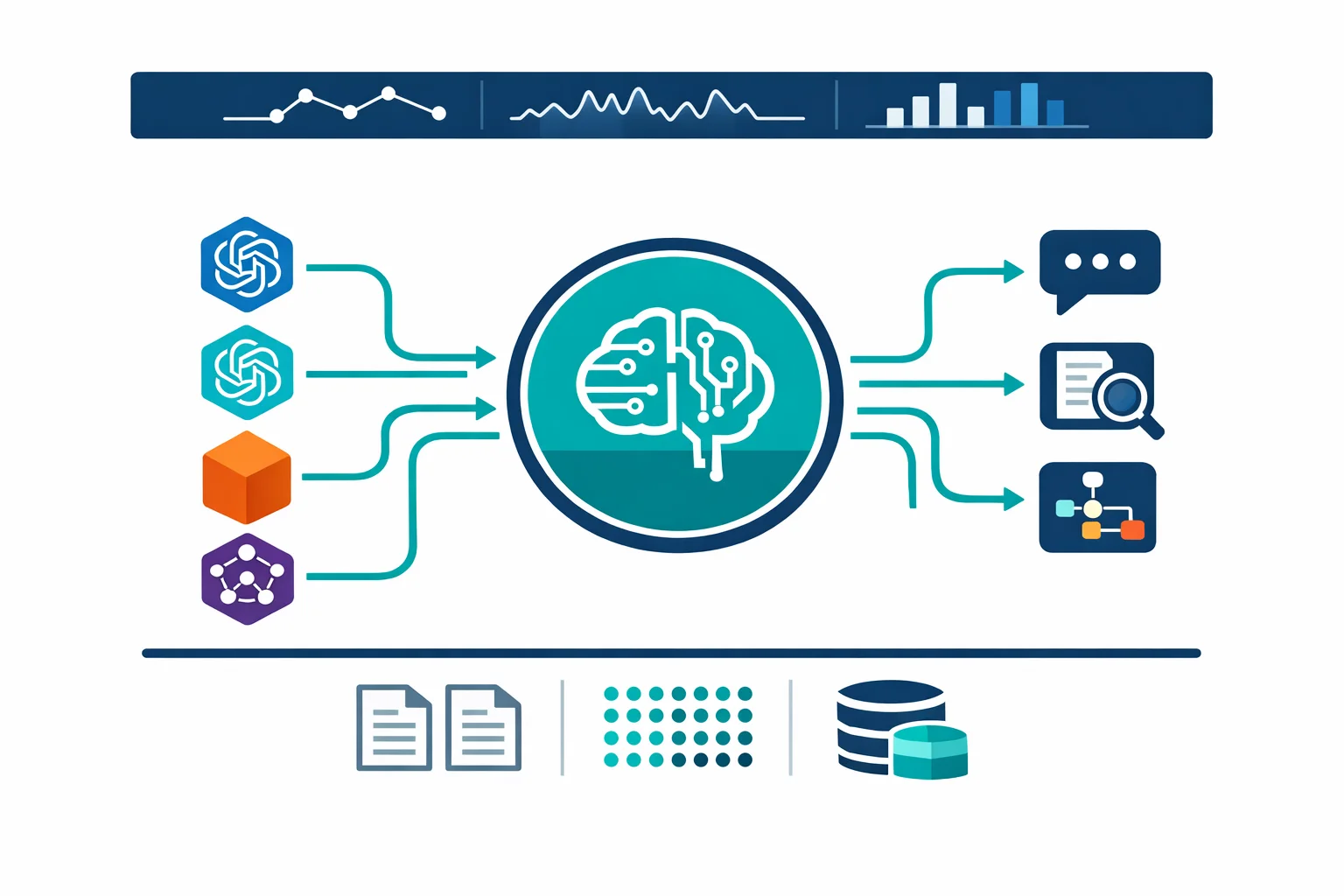
In January 2023, we wrote about enterprise architecture patterns for Azure OpenAI. At the time, GPT-3.5 was the workhorse, GPT-4 was in preview, context windows topped out at 32K tokens, and “RAG” was a concept most enterprise teams had never heard of.
Three years later, the platform looks very different. GPT-4.1 now handles up to a million tokens of context. GPT-5 is the reasoning flagship. The Responses API is the default interface, replacing both Chat Completions and the Assistants API for new work. Azure AI Studio became Azure AI Foundry, then became Microsoft Foundry. Models from DeepSeek, Meta, Mistral, and xAI are available through a shared Foundry endpoint and credential model.
The core patterns from our 2023 article (Private Endpoints, APIM gateway, Managed Identity, RAG, cost control) still apply. But the design decisions around them have changed so much that re-reading that article without context could lead you in the wrong direction. Here is what enterprise architects need to know in 2026.
Microsoft Foundry (Yet Another Rebrand)
Naming has been confusing. Azure AI Studio launched at Build 2023. It was renamed Azure AI Foundry at Ignite 2024. By early 2026, Microsoft rebranded again to Microsoft Foundry, with the previous portal experience labeled “Foundry (Classic)” and a new portal at ai.azure.com.
What matters more than the name is the resource model change. Previously, you managed separate Azure OpenAI resources, Azure AI Services resources, and Hub resources. Foundry consolidates much of that sprawl into a cleaner top-level resource-and-project model. Existing Azure OpenAI resources can be upgraded in place, preserving endpoints, API keys, and deployment state. The classic portal experience and older resource types still exist alongside the new model, so expect a transition period rather than a clean cutover.
For enterprise teams, the direction is welcome. Fewer resources to govern in your management group hierarchy. Simpler RBAC. Less Private Endpoint proliferation. But verify your specific setup against the current docs before assuming everything collapses into one resource.
Microsoft docs: What is Microsoft Foundry
Model Choice Is Now an Architecture Decision
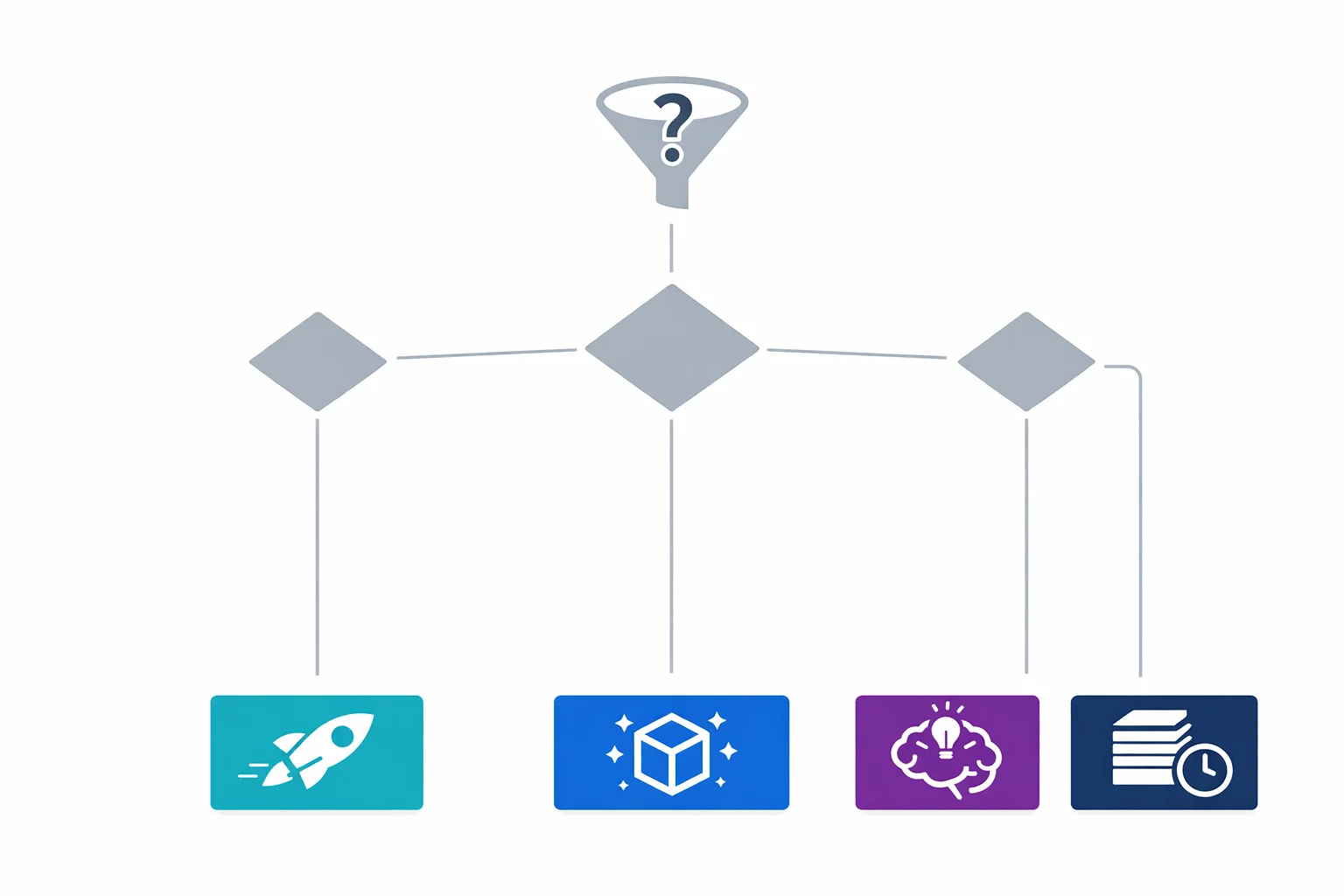
In 2023, model choice was simple: GPT-3.5 for cheap tasks, GPT-4 for reasoning. In 2026, the model catalogue has expanded in every direction, and picking the right model for each workload is a real architecture concern.
GPT-5 is the current reasoning flagship with a 272K input window and 128K max output tokens. It handles complex multi-step tasks that GPT-4 struggled with. GPT-5-mini and GPT-5-nano provide the same architecture at lower cost and latency for simpler workloads.
GPT-4.1 currently provides the clearest public million-context story in Microsoft’s documentation. It excels at coding and instruction-following, and costs less than GPT-5 for tasks where reasoning is not the bottleneck. For workloads that need maximum context without GPT-5’s reasoning overhead, GPT-4.1 is the right choice.
The o-series reasoning models (o3, o4-mini) are purpose-built for problems that require extended thinking: mathematical proofs, complex code generation, scientific analysis. They process a chain of reasoning steps before producing output, which makes them slower and more expensive per request, but far better at tasks where step-by-step logic matters.
Third-party models like DeepSeek, Meta Llama, Mistral, and xAI Grok are now available through Foundry endpoints using the v1 API. For cost-sensitive workloads where OpenAI model quality is not required, DeepSeek V3 or Llama 4 can cut inference costs while staying inside the Azure compliance boundary.
The practical decision: don’t default to GPT-5 for everything. Profile your workloads. Classification, extraction, and simple summarisation should run on GPT-5-nano or GPT-4.1-nano. Customer-facing generation and complex analysis should run on GPT-5. Reasoning-heavy tasks should use o3 or o4-mini. Batch processing that can tolerate latency should use the Batch API with cheaper models.
Microsoft docs: Azure OpenAI models · GPT-5 vs GPT-4.1 model choice guide
The Responses API Is Now the Default Interface
By far the biggest API change since Azure OpenAI launched is the Responses API. It replaces both the Chat Completions API and the deprecated Assistants API as the primary interface for all model interaction.
Key differences from Chat Completions:
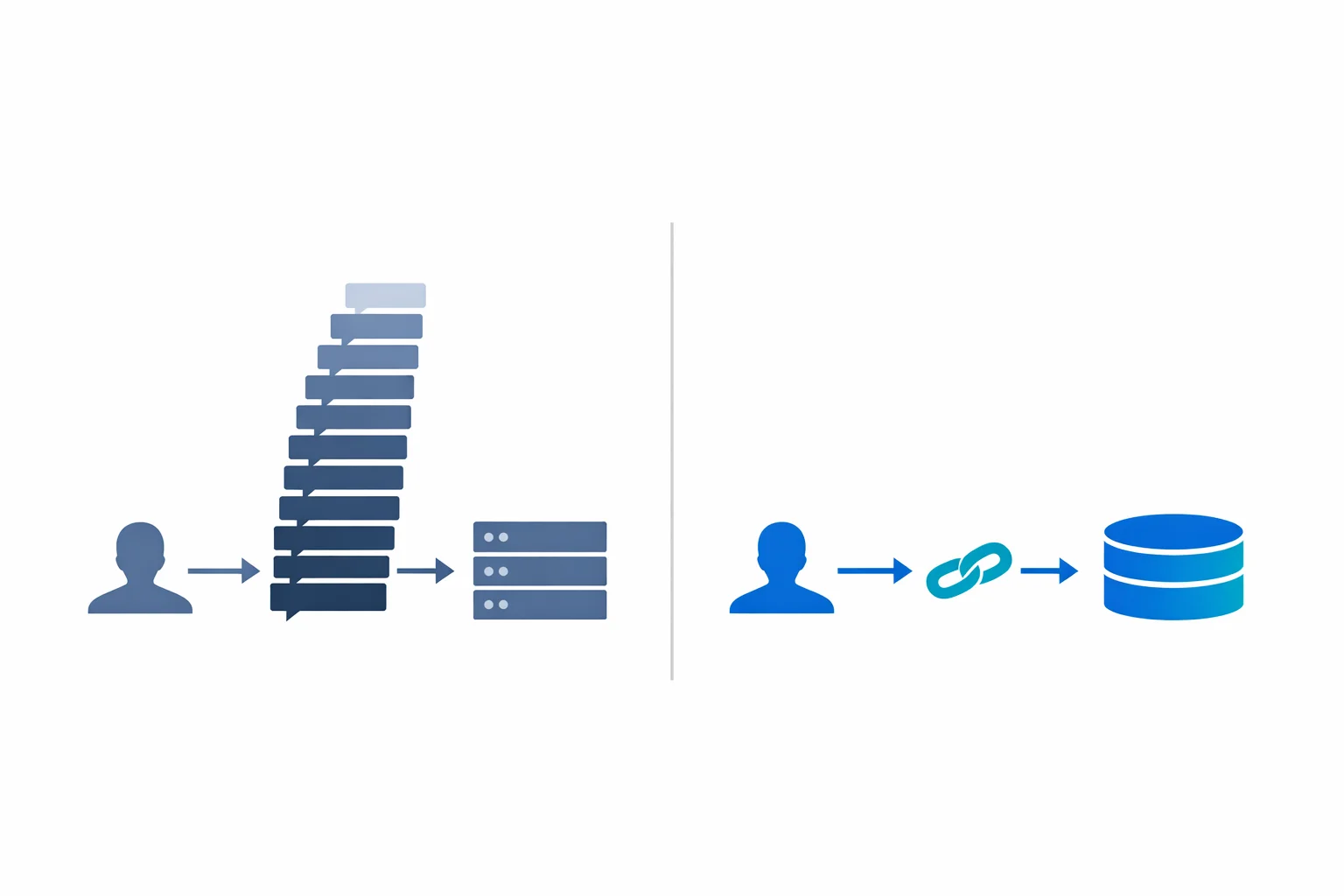
Responses are stateful. Each response is stored server-side for 30 days. Multi-turn conversations are handled by passing a previous_response_id instead of resending the entire conversation history. For applications with long conversations, this eliminates the need to manage growing message arrays client-side and reduces per-request token costs.
Because responses are stored server-side and multi-turn context is managed by reference, the growing-payload problem that plagued long Chat Completions sessions is gone. You no longer need to manually truncate conversation history to stay within the context window.
The tool surface is richer. Responses API natively supports function calling, Code Interpreter (sandboxed Python execution), remote MCP servers, image generation, and computer use. Chat Completions only supported function calling.
The API surface uses input instead of messages and returns output items instead of choices. The migration is straightforward but requires updating your client code.
For new projects, use the Responses API. For existing Chat Completions integrations, migration is not urgent (Chat Completions still works) but should be planned. The Assistants API is deprecated and should not be used for new work.
Microsoft docs: Responses API guide
The v1 API Killed Version Churn
One of the most quietly impactful changes: Azure OpenAI now supports a stable v1 API path. Instead of the monthly api-version=2024-xx-xx parameters that forced regular client updates, you can now call /openai/v1/ routes that follow the upstream OpenAI API contract.
In practice, this means you can use the standard OpenAI() Python client instead of the Azure-specific AzureOpenAI() client. Set the base_url to your Foundry endpoint’s v1 path, and the same code works against Azure OpenAI, third-party models hosted on Azure, and OpenAI directly.
Entra ID authentication works with the standard client through get_bearer_token_provider. The token scope has changed to https://ai.azure.com/.default (previously https://cognitiveservices.azure.com/.default), so update your credential configuration.
For enterprise teams maintaining multiple AI applications, this reduces the maintenance burden. You stop tracking api-version deprecation schedules and drop the Azure-specific SDK wrappers.
Microsoft docs: v1 API lifecycle
RAG Has Evolved Into Agentic Retrieval
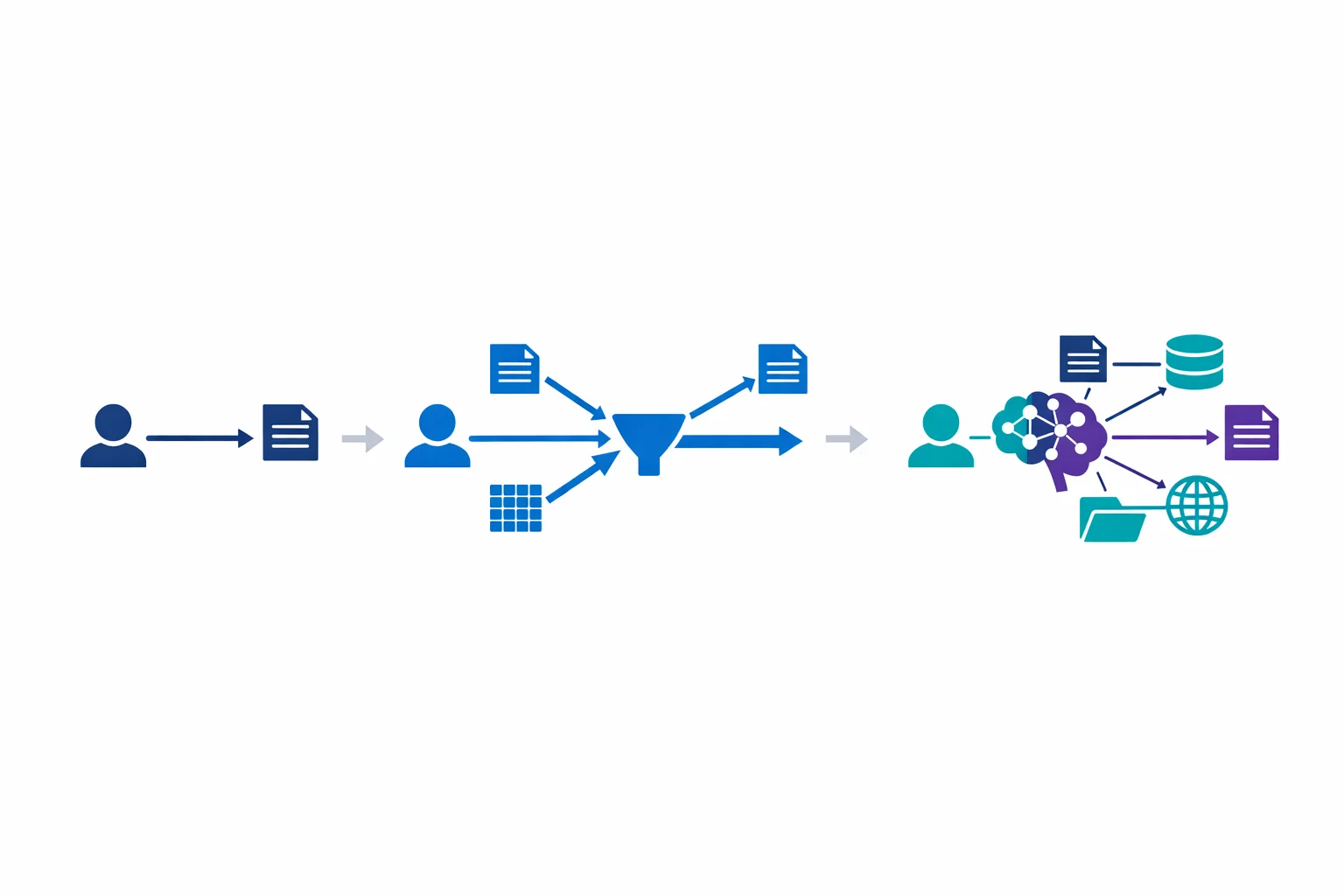
Our 2023 article described the standard RAG pattern: chunk documents, embed them, store vectors in Azure AI Search, retrieve relevant chunks at query time, and include them in the prompt. That pattern still works for straightforward question-answering over a single corpus.
But enterprise RAG needs have grown more complex. Questions that span multiple document collections, require reasoning across sources, or need to combine structured and unstructured data exposed the limitations of single-query retrieval.
Azure AI Search now offers agentic retrieval (currently in public preview). Instead of running a single search query, the system uses an LLM to decompose complex questions into sub-queries, runs them in parallel across multiple knowledge sources, and semantically reranks the combined results. For questions that span multiple document collections or require cross-source reasoning, the relevance improvement over single-query retrieval is real.
The new Knowledge Base abstraction wraps multiple data sources (search indexes, Blob storage, OneLake, SharePoint, web) into a single retrieval target. Results include grounding data, source references, and an execution activity log that shows how the system arrived at its answer. That audit trail matters for compliance-sensitive use cases.
For most enterprise deployments, classic RAG with hybrid search and semantic ranking is still the right starting point. Move to agentic retrieval when you hit the complexity ceiling: multi-source questions, cross-document reasoning, or low relevance scores on production queries.
Microsoft docs: Agentic retrieval overview
Agents Fill the Gap Where RAG Falls Short
RAG answers questions. Agents take actions. The distinction matters because enterprise teams frequently conflate the two, which leads to RAG systems being asked to do things they were never designed for.
Foundry Agent Service provides a managed platform for building, deploying, and scaling AI agents. Microsoft positions it as a fully managed service where you define agent behavior, connect tools, and let the platform handle orchestration and hosting.
Agents support function calling (same as the Responses API) and remote MCP servers (Model Context Protocol) for tool interoperability. Foundry IQ acts as a permission-aware knowledge layer, giving agents access to enterprise data with security trimming built in.
Tracing and evaluation capabilities extend to agents, so you get the same observability story as other Foundry workloads. Memory (currently in preview) gives agents persistent context across sessions, which matters for helpdesk and support scenarios.
The platform is still maturing. Check the current docs for exact capabilities, GA status of specific features, and networking options before committing to a production architecture.
The architecture question is not “should we build agents?” but “what should be an agent vs a RAG pipeline vs a simple API call?” A document Q&A bot is RAG. An IT support assistant that can query your ITSM system, file tickets, and escalate to humans is an agent. A text classifier is a simple API call. Each pattern has different cost, complexity, and governance implications.
Microsoft docs: Foundry Agent Service
APIM as AI Gateway Got Smarter
Our 2023 article recommended putting APIM in front of Azure OpenAI. That recommendation is stronger than ever, but the APIM capabilities have grown.
APIM now supports AI-specific gateway features: round-robin, weighted, priority-based, and session-aware load balancing across multiple OpenAI backends. Circuit breaker rules automatically stop forwarding requests to unresponsive backends. Token counting and rate limiting policies are built in.
For enterprises running multiple Foundry resources across regions (for capacity, data residency, or failover), APIM acts as a unified entry point that routes requests based on capacity, cost, and performance. The reference architecture Microsoft publishes covers these patterns in detail.
Session-aware routing is rolling out (currently in the AI Gateway Early update group). Agent and Responses API workloads often have stateful conversations that must stick to the same backend. Once available in your region, APIM can route based on session affinity, preventing mid-conversation failover from breaking state. Check your APIM tier’s update group status before depending on this in production.
Microsoft docs: AI gateway capabilities in APIM · GenAI gateway reference architecture
PTU Reservations Are Now Model-Agnostic
Provisioned Throughput Units (PTU) were already available in 2023. What changed is the reservation model.
PTU reservations are now model-agnostic. You reserve a block of PTUs and allocate them freely across different models. Switch 200 PTUs from GPT-4.1 to GPT-5-mini without changing your reservation. Previously each reservation was locked to a specific model, so this is a welcome change.
Three deployment types exist: Global Provisioned (routes globally for best capacity), Data Zone Provisioned (EU or US data residency), and Regional Provisioned (specific Azure region). Monthly and annual reservations offer meaningful discounts (check the current pricing page for exact percentages, as these change).
Spillover (now GA) automatically routes overflow traffic from provisioned deployments to standard (pay-per-token) deployments when your PTU capacity is fully utilised. This eliminates the hard failure mode where provisioned deployments returned HTTP 429 errors during traffic spikes.
The cost optimisation strategy: start with standard (pay-per-token) deployments to establish your baseline usage pattern. Once you have 2-3 months of data, calculate your sustained baseline and reserve PTUs for that level. Let spillover handle bursts. Use the Batch API for workloads that can tolerate latency.
Microsoft docs: Provisioned throughput · PTU reservations and savings
Observability Finally Caught Up
In 2023, monitoring Azure OpenAI meant checking token consumption in Azure Monitor and hoping for the best. In 2026, Foundry has a much more mature observability story, especially around tracing, evaluations, and production monitoring.
Tracing (GA) provides OpenTelemetry-based distributed traces across your AI pipeline: from user input through retrieval, prompt construction, model inference, and response delivery. Multi-agent interactions are traced end-to-end. Semantic conventions for AI workloads standardise the telemetry format.
Evaluations (GA) run automated quality checks against your AI outputs. Built-in evaluators cover coherence, relevance, groundedness, retrieval quality, and safety. Continuous evaluation monitors production quality over time and alerts when metrics degrade.
For regulated environments, this makes quality and control evidence much easier to demonstrate. Instead of “we tested it in development and it worked,” you can show ongoing production quality with auditable metrics. Incident investigation and root-cause analysis also get easier when your AI pipeline is fully instrumented.
Microsoft docs: Evaluations, monitoring, and tracing in Microsoft Foundry
What to Do Now
If you built your Azure OpenAI architecture in 2023 or 2024, here is the priority list:
Consolidate your resources. Upgrade separate Azure OpenAI and Azure AI Services resources to a single Foundry resource. Existing endpoints and keys are preserved. This simplifies governance and RBAC.
Evaluate the v1 API for new work. The stable v1 routes reduce maintenance burden. Plan migration of existing Chat Completions integrations, but don’t treat it as urgent.
Profile your model usage. Identify workloads running on GPT-4 or GPT-4o that could run on GPT-5-nano or GPT-4.1-nano at lower cost. Identify reasoning-heavy workloads that would benefit from o-series models.
Add observability. Deploy tracing and continuous evaluation across your production AI workloads. For regulated enterprises, this makes demonstrating control and quality much easier during audits.
Revisit your RAG implementation. If your retrieval quality scores are disappointing on complex questions, evaluate agentic retrieval (still in preview) or check your chunking strategy. Multi-source scenarios benefit most.
Check your APIM gateway configuration. If you added APIM in 2023, update it with the current AI gateway policies for token counting, session-aware routing, and circuit breaking.
Review PTU economics. If you are on pay-per-token with predictable usage, model-agnostic PTU reservations with spillover could reduce your AI infrastructure cost meaningfully. Check the current reservation discounts against your usage pattern.
Related: Architecting for Azure OpenAI: Enterprise Patterns That Actually Work the 2023 foundational patterns · RAG on Azure for Internal Knowledge Platforms building production RAG systems
Exploring AI for your organisation?
We build practical AI solutions on Azure OpenAI - RAG pipelines, knowledge search, and intelligent automation grounded in your data.
More from the blog
Architecting for Azure OpenAI: Enterprise Patterns That Actually Work

RAG on Azure for Internal Knowledge Platforms