Azure Arc: Extending Azure Management to Your On-Premises Infrastructure
In this article
- What Azure Arc Actually Does
- Arc-Enabled Kubernetes
- Architecture Considerations
- The Connected Machine Agent
- Network Planning
- At-Scale Onboarding
- Practical Use Cases
- Compliance Reporting Across a Hybrid Estate
- Centralised Patching
- Multi-Cloud Governance
- Security Posture Unification
- What Azure Arc Is Not
- Cost
- Wrapping Up
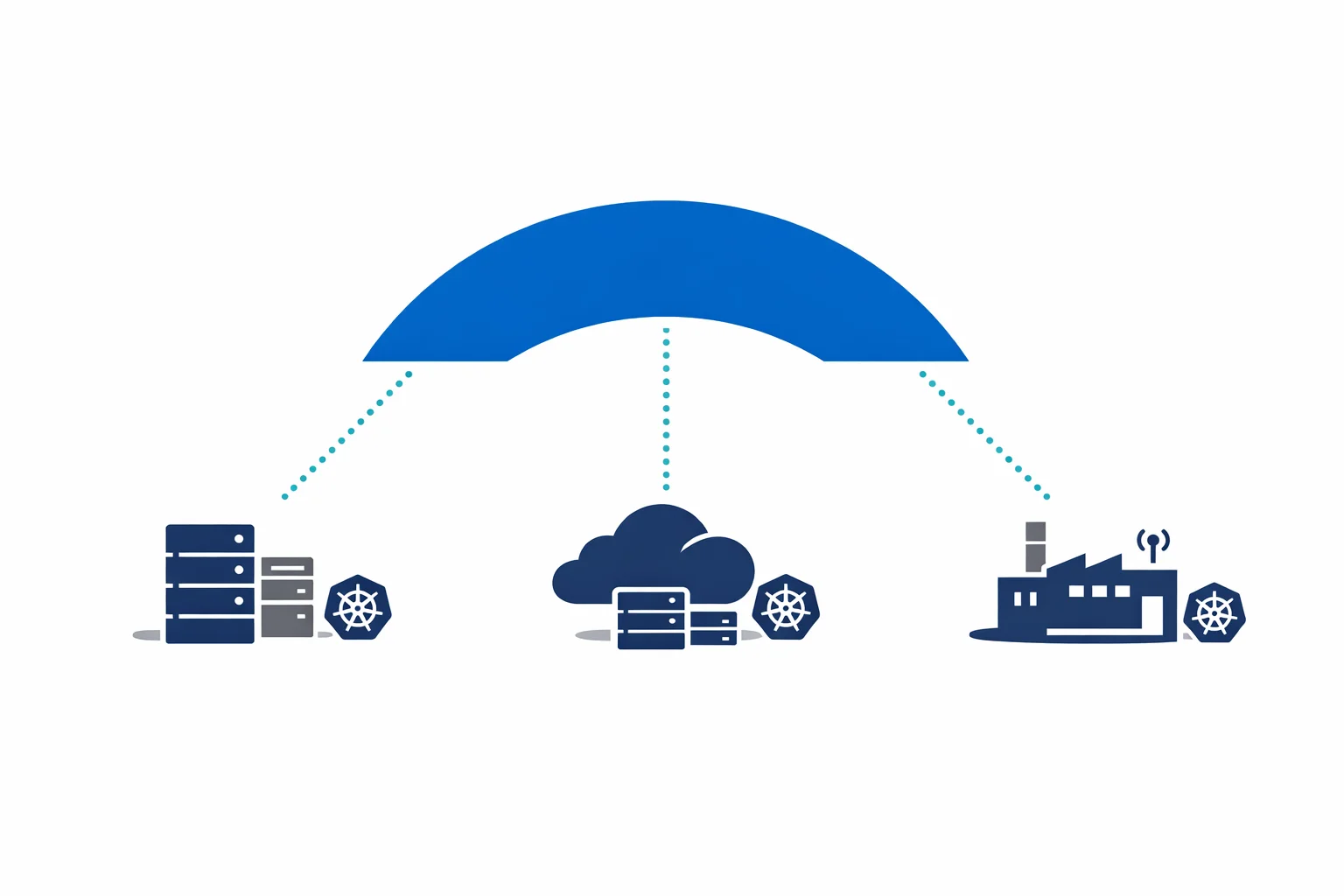
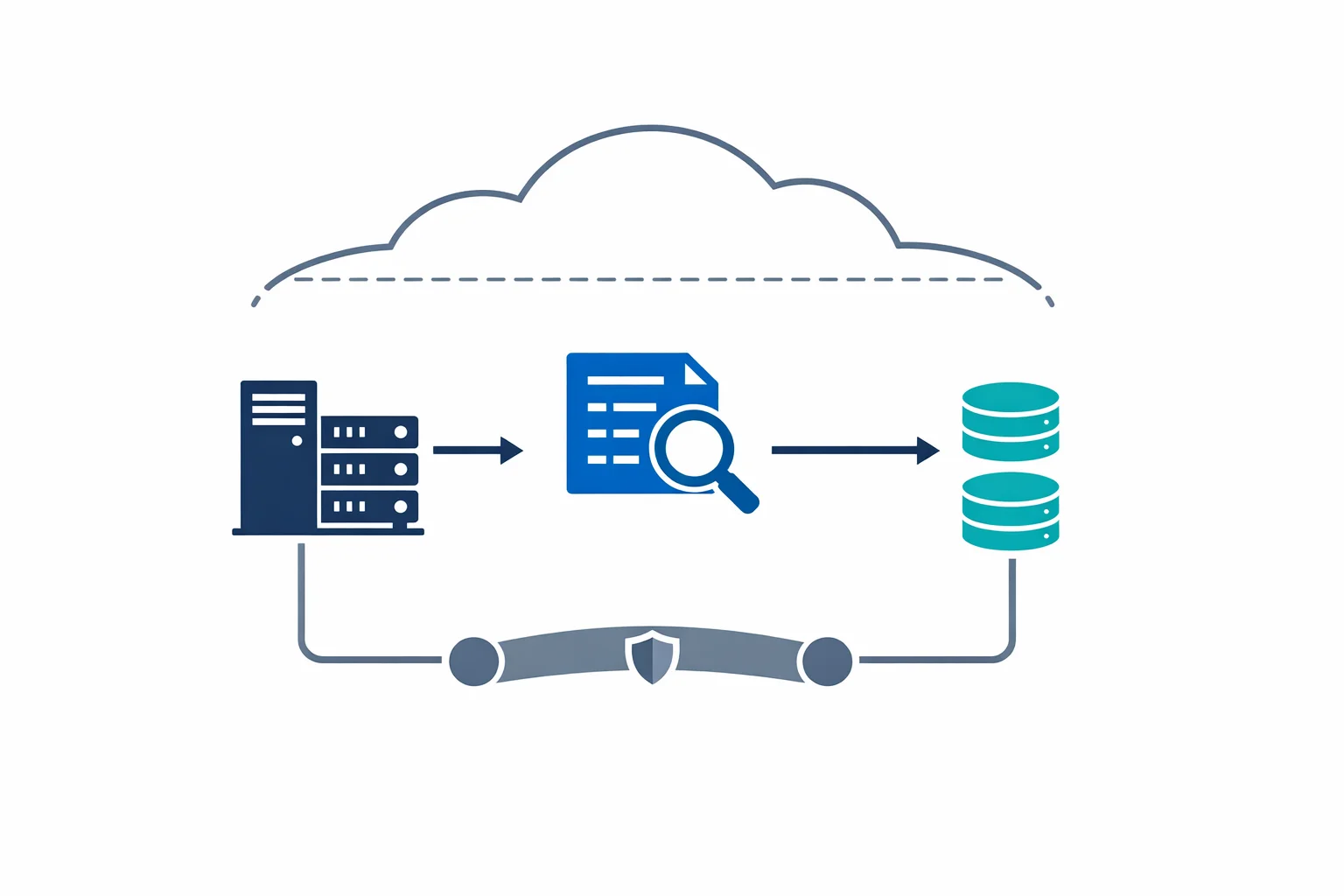
Microsoft just announced Azure Arc-enabled servers general availability at Ignite 2020. This isn’t another hybrid buzzword. It is a concrete mechanism that projects non-Azure machines - physical servers, VMs running on-premises, instances in AWS or GCP - into Azure Resource Manager as first-class resources.
That distinction matters. Once a server exists in ARM, everything that works against ARM works against that server. Tagging, RBAC, Policy, resource groups, the Activity Log. Your on-prem server becomes addressable in the same toolchain you already use for Azure.
What Azure Arc Actually Does
At its core, Arc installs a lightweight agent on your server. That agent establishes an outbound connection to Azure and registers the machine as a resource in your chosen subscription and resource group. From that point forward, you can:
- Apply Azure Policy - enforce configurations, audit compliance, deploy extensions. The same policy definitions you use for Azure VMs work on Arc-enabled servers
- Enable Azure Monitor - collect performance metrics, logs, and dependency data. Your on-prem servers appear in the same Log Analytics workspace as your Azure VMs
- Onboard to Defender for Cloud - vulnerability assessment, security recommendations, and threat detection. One security posture view across all environments
- Run Update Management - patch Windows and Linux servers from a single pane, regardless of where they run
The value isn’t in any single capability. It is in the consolidation. Instead of separate toolchains for on-prem, AWS, and Azure, you get one management plane.
Azure docs: Azure Arc-enabled servers overview · Supported cloud operations
Arc-Enabled Kubernetes
Servers are only half the story. Azure Arc also projects Kubernetes clusters - any conformant cluster, anywhere - into ARM. AKS on Azure, EKS on AWS, Rancher on bare metal, k3s on a Raspberry Pi. If it runs Kubernetes, Arc can manage it.
Once connected, you get:
- GitOps configuration management - define your desired cluster state in a Git repository, and Arc ensures the cluster converges to that state using Flux. Changes are pull-based, auditable, and versioned
- Azure Policy for Kubernetes - enforce pod security standards, require resource limits, deny privileged containers. The same Gatekeeper-based policies across every cluster
- Cluster inventory and monitoring - see all your Kubernetes clusters in the Azure portal with health status, node counts, and version information
This is particularly powerful for organisations running Kubernetes in multiple environments. Rather than maintaining separate CI/CD pipelines and policy enforcement per cluster, you define configurations once and apply them everywhere through Arc.
Azure docs: Azure Arc-enabled Kubernetes · GitOps with Flux v2
Architecture Considerations
The Connected Machine Agent
The agent runs as a service on Windows and Linux. Key characteristics:
- Outbound only. The agent initiates connections to Azure. No inbound ports need to be opened. This is important for security teams who will push back on inbound firewall rules
- HTTPS on port 443. All communication uses TLS over standard HTTPS. If your network allows outbound web traffic, the agent works
- Proxy support. The agent can route through an HTTP proxy, which is common in enterprise environments with internet gateways
- Minimal footprint. CPU and memory consumption is low. This is a management agent, not a data plane component
The required endpoints are well-documented. At a minimum, the agent needs to reach Azure Resource Manager, Azure Active Directory, and the Arc service endpoints. In locked-down environments, you can use Private Link to keep all Arc traffic on a private connection - no public internet required.
# Required outbound connectivity (simplified)
*.his.arc.azure.com        # Azure Arc service
*.guestconfiguration.azure.com  # Guest Configuration
management.azure.com       # Azure Resource Manager
login.microsoftonline.com  # Azure AD authentication
Network Planning
For large-scale deployments, plan your network carefully:
- If you have a proxy, test the agent installation through the proxy before committing to a rollout
- Private Link is available for environments that prohibit public internet connectivity
- The agent heartbeats every 5 minutes. Bandwidth consumption is negligible, but consistent
At-Scale Onboarding
You don’t want to install the agent manually on 500 servers. Use your existing configuration management tooling - Ansible, SCCM, Group Policy, Chef, Puppet - to deploy the Connected Machine agent and register machines with a service principal. Azure provides onboarding scripts that you can embed in your automation.
Azure docs: Connected Machine agent · Network requirements
Practical Use Cases
Compliance Reporting Across a Hybrid Estate
This is where Arc earns its keep. Apply Azure Policy across your entire server estate - Azure VMs, on-prem servers, and multi-cloud instances - and get a single compliance dashboard. “Are all servers running the required antivirus?” is no longer a question that requires querying three different tools.
Centralised Patching
Update Management through Arc lets you schedule patching windows, report on missing patches, and deploy updates to Windows and Linux servers regardless of location. One patching workflow, one reporting view, one set of maintenance windows.
Multi-Cloud Governance
Running workloads in AWS and Azure? Arc lets you apply consistent tagging, RBAC, and policy across both. Your governance team writes policies once. Those policies apply everywhere. Audit results appear in the same compliance reports.
Security Posture Unification
Onboard all servers to Defender for Cloud through Arc. You get a single Secure Score, unified vulnerability assessment, and consistent security recommendations. No more reconciling separate security tool outputs from each environment.
What Azure Arc Is Not
It is important to be clear about the boundaries:
- Arc doesn’t migrate workloads. It doesn’t move your on-prem VMs to Azure. It manages them where they are
- Arc doesn’t replace Azure Stack. Azure Stack runs Azure services on-premises. Arc extends Azure management to existing infrastructure. They solve different problems and can complement each other
- Arc isn’t a data plane. Your workloads continue to run where they are. Arc provides a control plane overlay, not a runtime
If someone asks “should we use Arc or Azure Stack?”, the answer depends on whether they want to run Azure services locally (Azure Stack) or manage existing infrastructure from Azure (Arc). Different questions, different answers.
Cost
The pricing model is straightforward:
- Arc-enabled servers: free. Projecting servers into ARM, applying Azure Policy for auditing, and basic inventory cost nothing
- Arc-enabled Kubernetes: free. Connecting clusters and applying GitOps configurations has no Arc-specific charge
- You pay for the services you enable. Defender for Cloud, Azure Monitor (Log Analytics ingestion), Update Management - these carry their standard per-resource pricing
This is an important detail. You can onboard your entire estate to Arc at zero cost and get policy compliance visibility immediately. Then selectively enable paid services where the value justifies the spend. Start with compliance reporting for free. Add Defender for servers that handle sensitive workloads. Enable monitoring for critical systems.
Azure docs: Azure Arc pricing · Defender for Cloud pricing
Wrapping Up
Azure Arc isn’t a revolutionary new platform. It is a pragmatic extension of what Azure already does well - resource management, policy enforcement, and monitoring - to servers and clusters that happen to run somewhere else.
The architecture is simple: install an agent, register with ARM, manage with the same tools. The value is cumulative: one compliance view, one security posture, one patching workflow, one governance model.
If you run servers outside of Azure - and almost every enterprise does - Arc is worth evaluating. The management plane is free. The agent is lightweight. The barrier to entry is as low as Microsoft could make it. Start with ten servers, prove the value, and expand from there.
If your team already lives in the Azure portal, Arc puts the rest of your estate in the same place. That’s the whole value proposition - one pane of glass that actually delivers on the promise.
Looking for Azure architecture guidance?
We design and build Azure foundations that scale - landing zones, networking, identity, and governance tailored to your organisation.
More from the blog
Azure AD Is Now Entra ID: What Actually Changed and What You Need to Update

Architecting for Azure OpenAI: Enterprise Patterns That Actually Work