Container Apps vs AKS vs App Service: A Decision Framework
In this article
- The Three Options
- The Decision Framework
- When to Use Each
- App Service: Simple Web Applications
- Container Apps: Microservices, Event-Driven, and APIs
- AKS: Complex Orchestration and Full Control
- Container Apps Features Worth Knowing
- The Anti-Pattern: The Over-Engineering Tax
- The Migration Path: Progressive Complexity
- VNet Integration and Security
- Final Thoughts
Microsoft just announced Azure Container Apps general availability at Build 2022. It is a serverless container platform built on Kubernetes that abstracts away the cluster management entirely. You bring a container image, Container Apps handles the rest.
This changes the container hosting conversation on Azure. Until now, the decision was binary: App Service if you want simplicity, AKS if you need orchestration. Container Apps fills the gap that has been there all along - a platform for teams that need more than App Service but don’t need (or want) to operate a Kubernetes cluster.
We have been running workloads on all three services for years. This is how we think about the decision.
The Three Options
Before diving into the framework, a brief summary of what each service actually is.
Azure App Service is a PaaS web hosting platform. It runs containers, but its core identity is a managed web application host. You get built-in deployment slots, authentication, custom domains, and TLS - all configured through the portal or your IaC tool of choice. It is the oldest of the three and the most mature.
Azure Container Apps is a serverless container platform. It runs on Kubernetes under the hood (specifically, an AKS cluster managed by Microsoft), but you never see or interact with the cluster. It is purpose-built for microservices, APIs, background processors, and event-driven workloads. The key differentiators are KEDA-based autoscaling, Dapr integration, and scale-to-zero.
Azure Kubernetes Service (AKS) is managed Kubernetes. Microsoft manages the control plane; you manage everything else - node pools, networking, RBAC, ingress controllers, service meshes, monitoring agents, and upgrade cycles. You get full access to the Kubernetes API and can run anything the ecosystem supports.
Azure docs: Container Apps overview · App Service overview · AKS overview
The Decision Framework
This is the table we walk through with clients when they are evaluating container hosting on Azure.
| Dimension | App Service | Container Apps | AKS |
|---|---|---|---|
| Abstraction level | High - managed PaaS | Medium - serverless containers | Low - managed Kubernetes |
| Kubernetes knowledge | Not needed | Not needed | Required |
| Scale-to-zero | No (always-on instances) | Yes (KEDA-based) | Manual (KEDA + node autoscaler) |
| Cost model | Always-on App Service Plan | Pay per vCPU/memory seconds | Node pool VMs + control plane |
| Networking | VNet integration (outbound) | Container Apps Environment (VNet) | Full VNet control (CNI/kubenet) |
| Ingress | Built-in (HTTPS, custom domains) | Built-in (Envoy-based) | BYO (NGINX, Traefik, AGIC) |
| CI/CD integration | Deployment Center, GitHub Actions | Revisions, GitHub Actions, Azure Pipelines | Helm, Kustomize, GitOps (Flux/ArgoCD) |
| Multi-container | Limited (sidecar preview) | Yes (sidecar containers) | Full pod spec |
| Custom operators/CRDs | No | No | Yes |
| Service mesh | No | Dapr (built-in) | Istio, Linkerd, or any mesh |
| Startup time | Fast (warm instances) | Cold start possible | Fast (pods on warm nodes) |
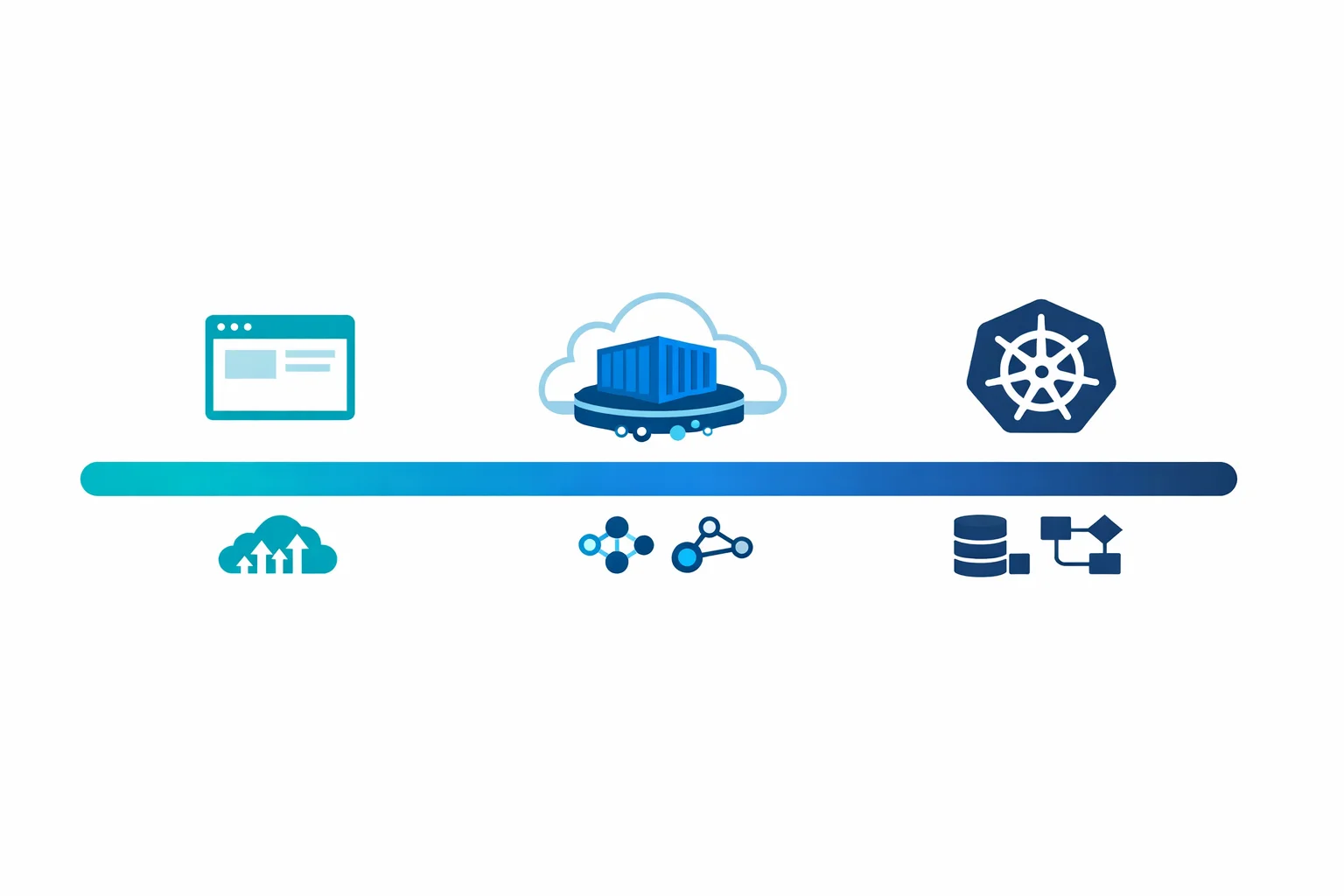
The pattern is straightforward: as you move from left to right, you gain control and lose simplicity. The question is where your workload sits on that spectrum.
Azure docs: Container Apps vs other Azure container options · AKS vs Container Apps
When to Use Each
App Service: Simple Web Applications
App Service is the right choice when you are running a web application or API that fits a standard pattern - a .NET API, a Node.js frontend, a Python Flask app. You want TLS, custom domains, deployment slots, and zero infrastructure thinking.
Use App Service when:
- Your workload is a single web application or API
- You don’t need scale-to-zero (traffic is consistent enough to justify always-on)
- Your team isn’t familiar with containers and doesn’t want to be
- You need built-in authentication integration (Easy Auth)
- Deployment slots and traffic splitting are important to your release process
Container Apps: Microservices, Event-Driven, and APIs
Container Apps is the sweet spot for most modern cloud-native workloads. If you are building microservices, processing events from queues or topics, running background jobs, or hosting APIs that need to scale dynamically - this is where you should start.
Use Container Apps when:
- You have multiple services that need to communicate (microservices)
- You want scale-to-zero for cost optimisation on bursty workloads
- You are processing events from Azure Service Bus, Kafka, Storage Queues, or other event sources
- You want Dapr for service invocation, state management, or pub/sub without adopting a full service mesh
- You need revision management for blue-green or canary deployments
- Your team can build Docker images but doesn’t want to manage Kubernetes
AKS: Complex Orchestration and Full Control
AKS is for teams that genuinely need Kubernetes. That means custom operators, CRDs, specific CNI plugins, service mesh configurations, or compliance requirements that mandate cluster-level control.
Use AKS when:
- You need custom Kubernetes operators or CRDs
- You require a specific service mesh (Istio, Linkerd) with full configuration control
- Your workloads need GPU scheduling, advanced node affinity, or custom scheduler plugins
- You are running stateful workloads that require persistent volume management beyond what Container Apps offers
- Regulatory or compliance requirements mandate cluster-level audit controls
- You have a dedicated platform team that can operate Kubernetes
Azure docs: When to use Container Apps · AKS baseline architecture
Container Apps Features Worth Knowing
Container Apps bundles several capabilities that would take weeks to set up on raw AKS.
KEDA-based autoscaling. Container Apps uses KEDA under the hood for event-driven scaling. You configure scale rules declaratively - scale on HTTP concurrent requests, queue length, CPU, memory, or any of KEDA’s 50+ scalers. Scale-to-zero is the default, which means you pay nothing when there is no traffic.
Dapr integration. Dapr is enabled as a sidecar with a single configuration flag. This gives you service-to-service invocation, state management, pub/sub messaging, and bindings - all without adding Dapr to your container image or managing Dapr infrastructure.
Revision management. Every deployment creates a new revision. You can split traffic between revisions for canary deployments, run multiple revisions simultaneously, and roll back instantly. This is the same concept as Cloud Run revisions or App Service deployment slots, but for containers.
Built-in ingress. Container Apps uses Envoy as the ingress controller. You get HTTPS, custom domains, and traffic splitting without deploying or managing an ingress controller. External ingress exposes the app to the internet. Internal ingress makes it available only within the Container Apps Environment.
Azure docs: Scaling in Container Apps · Dapr integration · Revisions in Container Apps
The Anti-Pattern: The Over-Engineering Tax
The most common mistake we see is teams choosing AKS when Container Apps would have been a better fit. We call this the over-engineering tax.
Here is what it looks like in practice. A team needs to run five microservices that process messages from Service Bus and expose a REST API. They choose AKS because “we might need Kubernetes features later.” Six months in, they have two engineers spending 30% of their time managing cluster upgrades, node pool scaling, ingress controller configurations, and certificate rotation. The application code hasn’t changed - the infrastructure overhead has consumed the team.
AKS is a powerful platform. It is also an operational commitment. The control plane is managed, but everything above it is not. Node pool OS patching, Kubernetes version upgrades, network policy management, RBAC configuration, monitoring agent deployment, ingress controller lifecycle - all of this is on your team.
Container Apps eliminates this entire category of work. For the five-microservices-and-a-queue scenario, Container Apps deploys in an afternoon and scales to zero overnight. AKS deploys in a week and costs you node pool VMs 24/7.
The question to ask isn’t “could we use Kubernetes features?” It is “do we need Kubernetes features today, and do we have a team that can operate Kubernetes responsibly?”
The Migration Path: Progressive Complexity
One of the best things about the Azure container ecosystem is that the migration path is well-defined and incremental.
App Service to Container Apps. If your App Service workload is already containerised, moving to Container Apps is straightforward. The main changes are the ingress configuration and the scaling model. Environment variables, secrets, and managed identity work similarly. You gain scale-to-zero and KEDA-based scaling. You lose deployment slots (replaced by revisions) and Easy Auth (replaced by manual auth or Dapr middleware).
Container Apps to AKS. Because Container Apps runs on Kubernetes, the mental model transfers directly. Your container images, environment variables, and scaling concepts all carry over. You will need to configure your own ingress controller, set up monitoring, and manage the cluster lifecycle - but the application layer stays the same. If you were using Dapr on Container Apps, you can deploy Dapr on AKS and keep your application code unchanged.
This incremental path means you can start with the simplest option that meets your requirements and move up only when you hit a genuine limitation. That is the opposite of starting with AKS and carrying the operational cost from day one.
Azure docs: Migrate from App Service to Container Apps · Container Apps environments
VNet Integration and Security
Container Apps are deployed into a Container Apps Environment, which is the security and networking boundary for your apps. You have two options:
External environment - the environment has a public endpoint. Individual apps can be configured with external or internal ingress. This is the simplest option and works for public-facing APIs and services.
Internal environment - the environment is deployed into a VNet with no public endpoint. All ingress is private. This is the pattern for enterprise workloads that must stay within the corporate network boundary.
For internal environments, the Container Apps Environment is injected into a dedicated subnet in your VNet. Outbound traffic flows through the VNet and is subject to your NSGs and route tables. Inbound traffic requires a reverse proxy (Application Gateway, Azure Front Door, or a custom solution) in front of the internal endpoint.
This model is similar to App Service Environment (ASE) but without the significant cost overhead. An ASE starts at roughly 1000 USD/month just for the stamp. A Container Apps internal environment costs nothing beyond the resources your apps consume.
DNS configuration is important in internal environments. The Container Apps Environment gets a static IP and a default domain. You need to configure Private DNS zones to resolve the environment’s domain to the internal IP within your VNet.
Azure docs: Container Apps networking · Container Apps with internal VNet · Private DNS zones
Final Thoughts
Azure Container Apps fills a gap that has existed since AKS launched. Not every containerised workload needs Kubernetes, and not every team should be operating a cluster.
Start with the simplest option that meets your requirements. App Service for standard web apps. Container Apps for microservices, event-driven workloads, and APIs that benefit from scale-to-zero. AKS when you genuinely need the Kubernetes API and have the team to support it.
Pick the platform that lets you ship product, not the one that becomes a project of its own.
Looking for Azure architecture guidance?
We design and build Azure foundations that scale - landing zones, networking, identity, and governance tailored to your organisation.
More from the blog
AKS Just Went GA: What Enterprise Teams Need to Know Before Going All-In
Azure AD Is Now Entra ID: What Actually Changed and What You Need to Update