VSTS Is Dead, Long Live Azure DevOps: What Actually Changed
In this article
On September 10, 2018, Microsoft renamed Visual Studio Team Services to Azure DevOps. If you have been using VSTS, the first reaction was probably “great, another rebrand.” But this one isn’t cosmetic. The monolithic VSTS has been split into five standalone services, and that architectural decision changes how teams can adopt - and pay for - the platform.
We have been running CI/CD pipelines on VSTS (now Azure DevOps) for enterprise clients since 2016. The rebrand matters less than what shipped alongside it.
Five Services, Not One Product
VSTS was a single product. You signed up and got everything: work tracking, source control, builds, releases, test management, and package feeds. Whether you needed all of it or not.
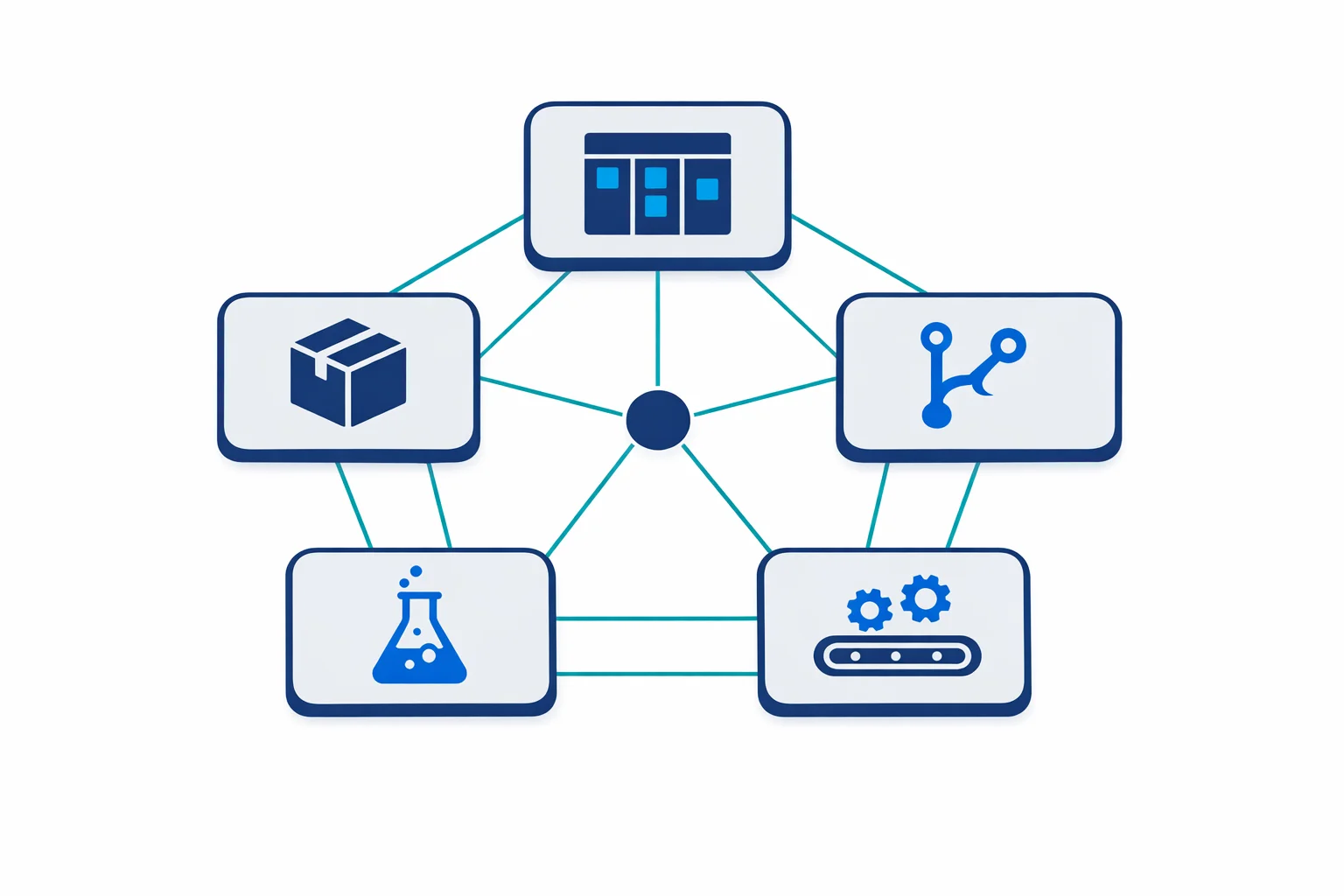
Azure DevOps breaks this into five independent services:
- Azure Boards - work item tracking, Kanban boards, backlogs, sprint planning
- Azure Repos - Git repositories (and TFVC if you still need it)
- Azure Pipelines - build and release automation, CI/CD
- Azure Test Plans - manual and exploratory testing tools
- Azure Artifacts - private package feeds for NuGet, npm, Maven, Python, and universal packages
The key change: you can enable or disable each service independently per project. A team that only needs CI/CD can turn on Pipelines and nothing else. A team already using Jira for work tracking can skip Boards entirely and just use Repos and Pipelines.
That matters more than it sounds. You don’t have to sell the entire platform to a team that only needs one piece.
Azure docs: What is Azure DevOps? · Azure DevOps service overview
Azure Pipelines: The Real Headline
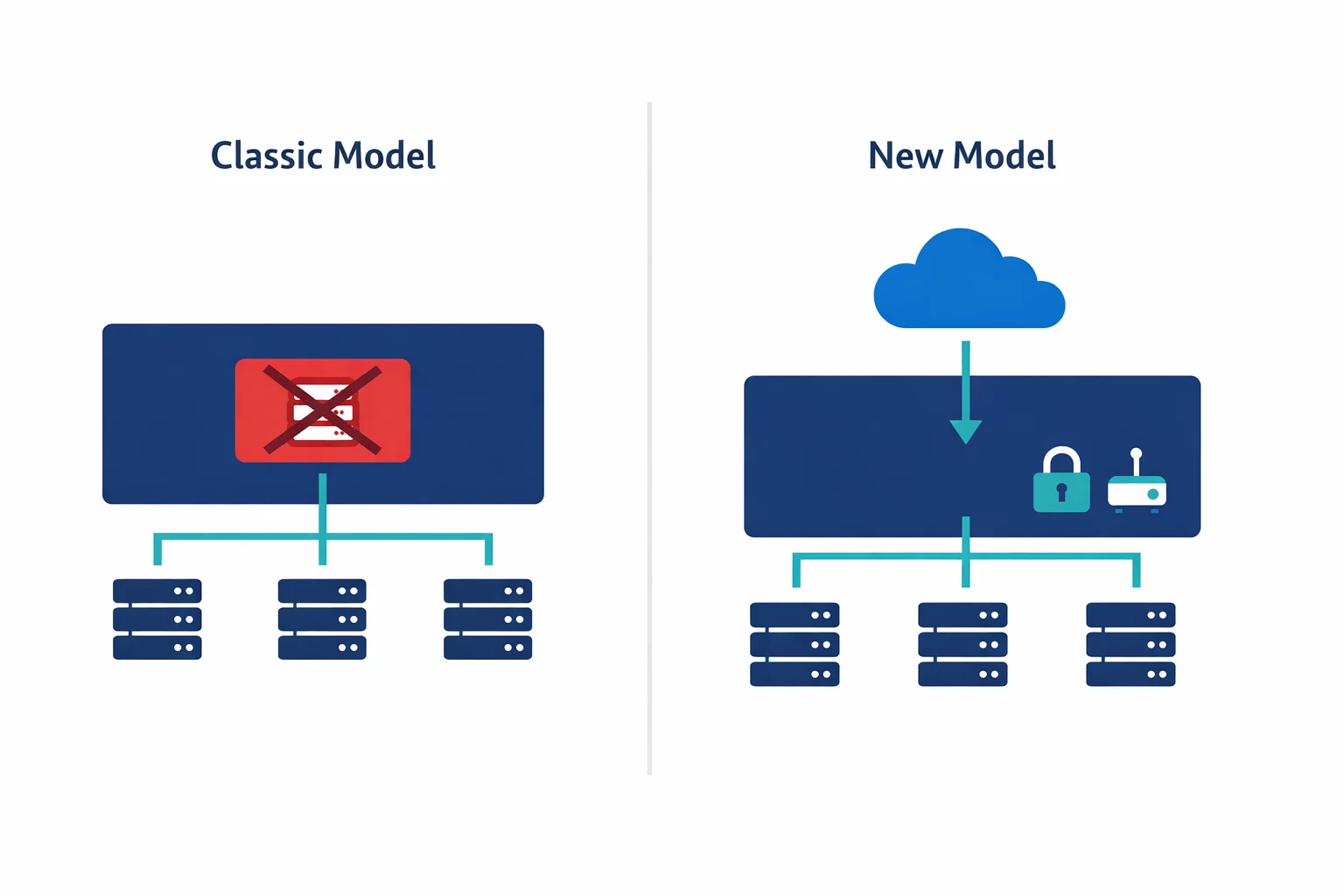
The most significant change isn’t the rebrand - it’s the introduction of YAML-based pipelines. VSTS had the “classic” editor: a GUI where you clicked through build steps and configured them in form fields. It worked, but it was terrible for infrastructure-as-code teams who wanted their pipeline definitions version-controlled alongside their application code.
YAML pipelines fix this. Your pipeline definition lives in your repository as an azure-pipelines.yml file:
trigger:
  branches:
    include: [main]

pool:
  vmImage: 'ubuntu-latest'

steps:
  - script: dotnet build --configuration Release
    displayName: 'Build'
  - script: dotnet test --configuration Release --no-build
    displayName: 'Test'
  - task: PublishBuildArtifacts@1
    inputs:
      pathToPublish: '$(Build.ArtifactStagingDirectory)'
For IaC teams, this changes everything. Pipeline changes go through the same pull request review as your Terraform or ARM templates. You can branch, diff, and roll back pipeline definitions just like any other code. The classic editor still exists, but for any team doing infrastructure automation, YAML is the right choice.
Another big announcement: Azure Pipelines now offers unlimited CI/CD minutes for open source projects, with 10 parallel jobs. This was a direct play against Travis CI and CircleCI, and it was a smart one.
Azure docs: YAML pipeline schema reference · Create your first pipeline
Azure Repos vs GitHub - The Honest Comparison
Microsoft owns both Azure Repos and GitHub (the GitHub acquisition closed in October 2018, just weeks after this rebrand). So when should you use which?
Azure Repos makes sense when you are deep in the Azure DevOps ecosystem with Boards and Pipelines tightly integrated, you need TFVC support for legacy repositories, or you require data residency in specific Azure regions with a single Azure AD identity model.
GitHub makes sense when you want the largest developer community, your team depends heavily on open source, or you want better code review tooling - GitHub’s PR experience is simply more polished.
The pragmatic answer: for new greenfield projects, GitHub is the stronger default. Microsoft is clearly investing more engineering effort there. For enterprises already running Azure DevOps with years of work item history and pipeline definitions, Azure Repos still makes perfect sense. Don’t migrate repos just because GitHub is trendy.
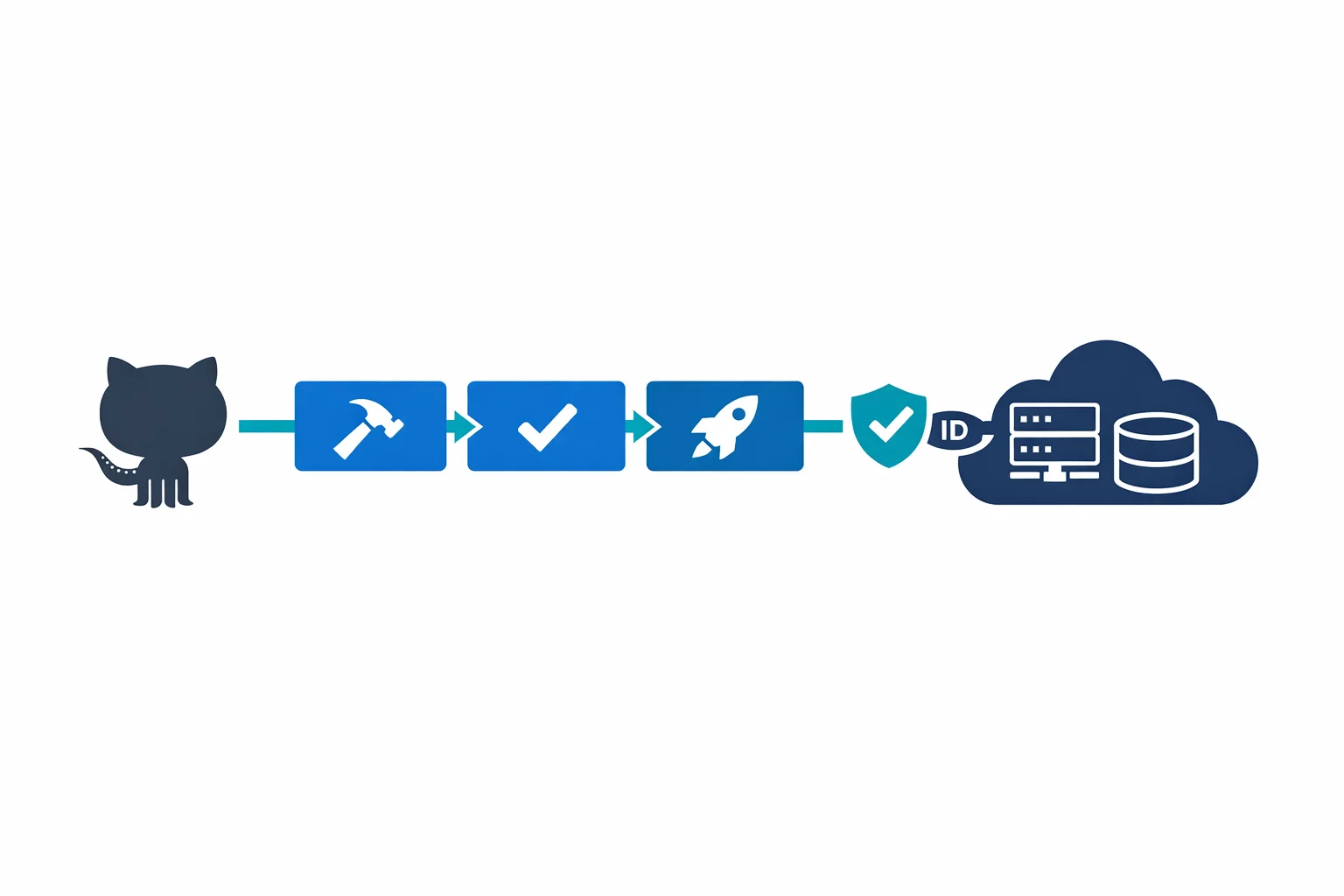
You can also mix them. Azure Pipelines works with GitHub repositories natively - just point a pipeline at a GitHub repo and you get CI/CD without moving your source code:
resources:
  repositories:
    - repository: app
      type: github
      endpoint: my-github-connection
      name: contoso/web-app

steps:
  - checkout: app
  - script: npm install && npm test
Azure docs: Azure Repos documentation · Build GitHub repositories
Azure Artifacts: Private Package Management
Before the rebrand, VSTS had package management as a paid extension. Azure Artifacts bakes it in with a generous free tier - 2 GB of storage per organization at no cost.
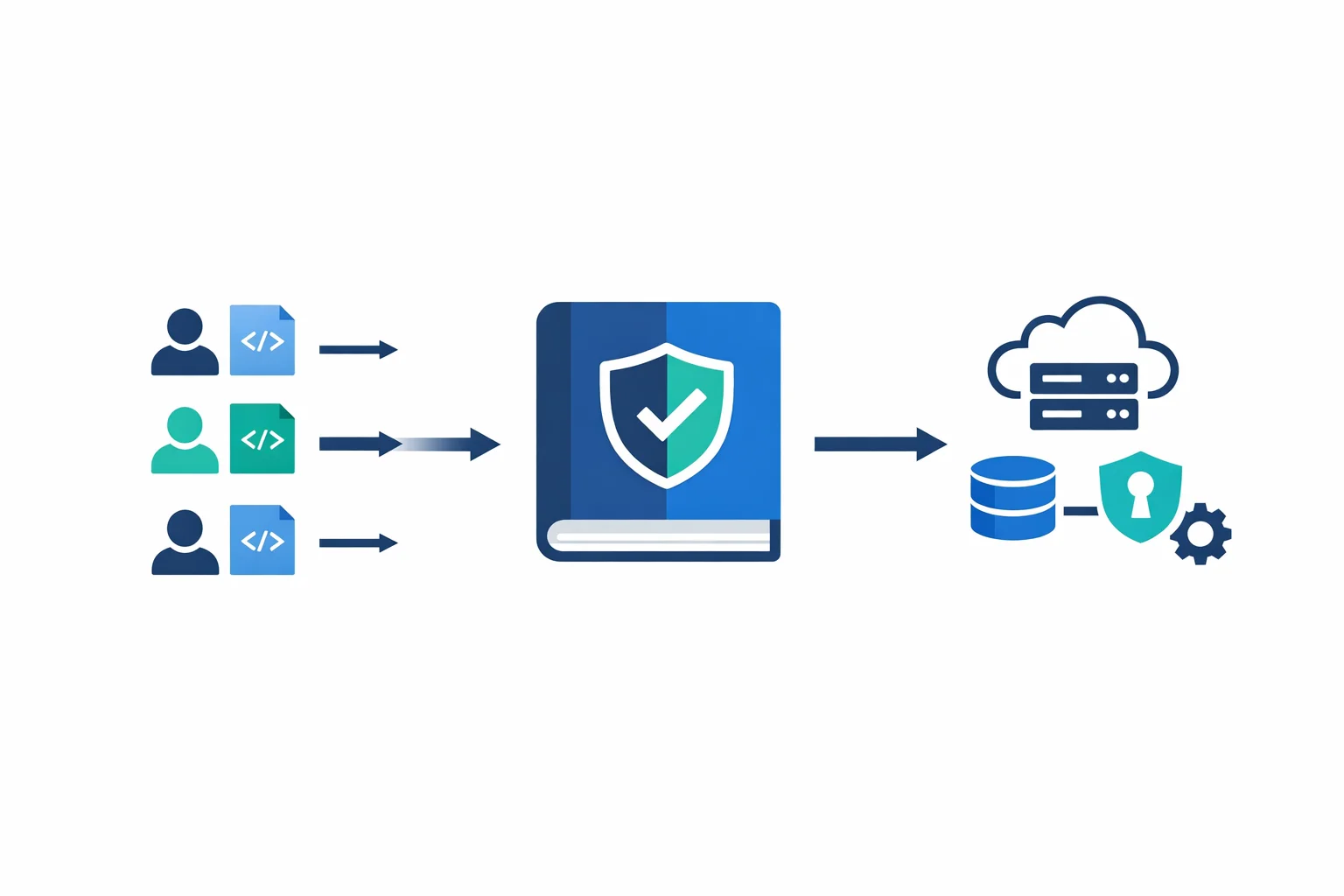
The real value is upstream sources. You can configure your Artifacts feed to proxy public registries (nuget.org, npmjs.com, Maven Central) so your build agents only need network access to your Azure DevOps organization. Packages get cached locally on first download:
# Configure npm to use your Azure Artifacts feed
npm config set registry https://pkgs.dev.azure.com/contoso/_packaging/shared-feed/npm/registry/

# Or add a .npmrc to your repository
echo "registry=https://pkgs.dev.azure.com/contoso/_packaging/shared-feed/npm/registry/" > .npmrc
echo "always-auth=true" >> .npmrc
For enterprises with air-gapped environments or strict network policies, upstream sources solve a real problem without maintaining a full Nexus or Artifactory instance.
Azure docs: Azure Artifacts overview · Upstream sources
Integration: Not a Walled Garden
A fair concern with any Microsoft platform: will it lock you in? Azure DevOps is surprisingly open. It integrates natively with GitHub for repos and PR triggers, supports Jenkins job triggering and result publishing, connects to Jira via extensions for teams not using Boards, and pushes events to any webhook endpoint via service hooks. Slack and Teams both get notifications, approvals, and pipeline status updates.
The extension marketplace has grown significantly. If your team uses a tool, there’s likely an Azure DevOps extension for it.
Pricing: What You Actually Pay
The free tier is generous: 5 users with Basic access, unlimited stakeholder access, 1 Microsoft-hosted parallel job (1,800 min/month), 1 self-hosted parallel job (unlimited minutes), and 2 GB Artifacts storage. Beyond that, Basic costs $6 per user per month. Additional parallel jobs run $40/month (Microsoft-hosted) or $15/month (self-hosted). Test Plans is a separate add-on at $52/user/month - and honestly, most teams skip it.
Compared to the old VSTS pricing, this is simpler and cheaper for small teams. For large enterprises, the per-user model can add up, but it’s competitive with GitLab and GitHub Enterprise.
Azure docs: Azure DevOps pricing · Free tier details
Migrating from VSTS: What Breaks
If you are already on VSTS, the migration is mostly painless. Microsoft handled the transition automatically - your contoso.visualstudio.com URLs now redirect to dev.azure.com/contoso. Most things just work.
What you should watch for:
- API endpoints - if you have scripts or integrations hitting the old
visualstudio.comREST APIs, update them. The redirects work today but won’t forever - PAT tokens - existing Personal Access Tokens continue to work, but new tokens should use the
dev.azure.comscope - Build agent URLs - self-hosted agents need to be reconfigured if they were registered against the old URL
- Bookmarks and documentation - internal wikis and runbooks referencing VSTS URLs need updating
Nothing in your pipeline definitions, work items, or repositories changes. The data is the same - only the front door moved.
# Update your git remotes
git remote set-url origin https://dev.azure.com/contoso/MyProject/_git/MyRepo

# Reconfigure a self-hosted agent
./config.sh --url https://dev.azure.com/contoso --auth pat --token $PAT
Where This Leaves You
Azure DevOps in September 2018 is a solid, enterprise-grade platform. The split into five services is the right architectural move - it lets teams adopt what they need without buying into the whole stack. YAML pipelines are a genuine improvement over the classic editor. Artifacts with upstream sources solves real packaging problems.
But let’s be direct about the trajectory. GitHub is eating Azure DevOps’ lunch for new projects. The developer experience on GitHub is better. The community is larger. GitHub Actions (coming soon at the time of writing) will close the CI/CD gap. Microsoft knows this - they bought GitHub for $7.5 billion for a reason.
Azure DevOps will remain strong in enterprises that need tight Azure AD integration, compliance features, and the kind of work item tracking that Boards provides. Regulated industries, large enterprises with existing TFVC repos, and teams deeply invested in the Azure ecosystem - these are the sweet spots.
For everyone else? Start new projects on GitHub. Use Azure Pipelines if you need it - it connects to GitHub natively. Pick the best tool for each job, and don’t feel obligated to use all five services just because they come in the same box.
That’s the whole point of the split. Use what you need. Leave the rest.
Ready to automate your infrastructure?
From Infrastructure as Code to CI/CD pipelines, we help teams ship faster with confidence and less manual overhead.