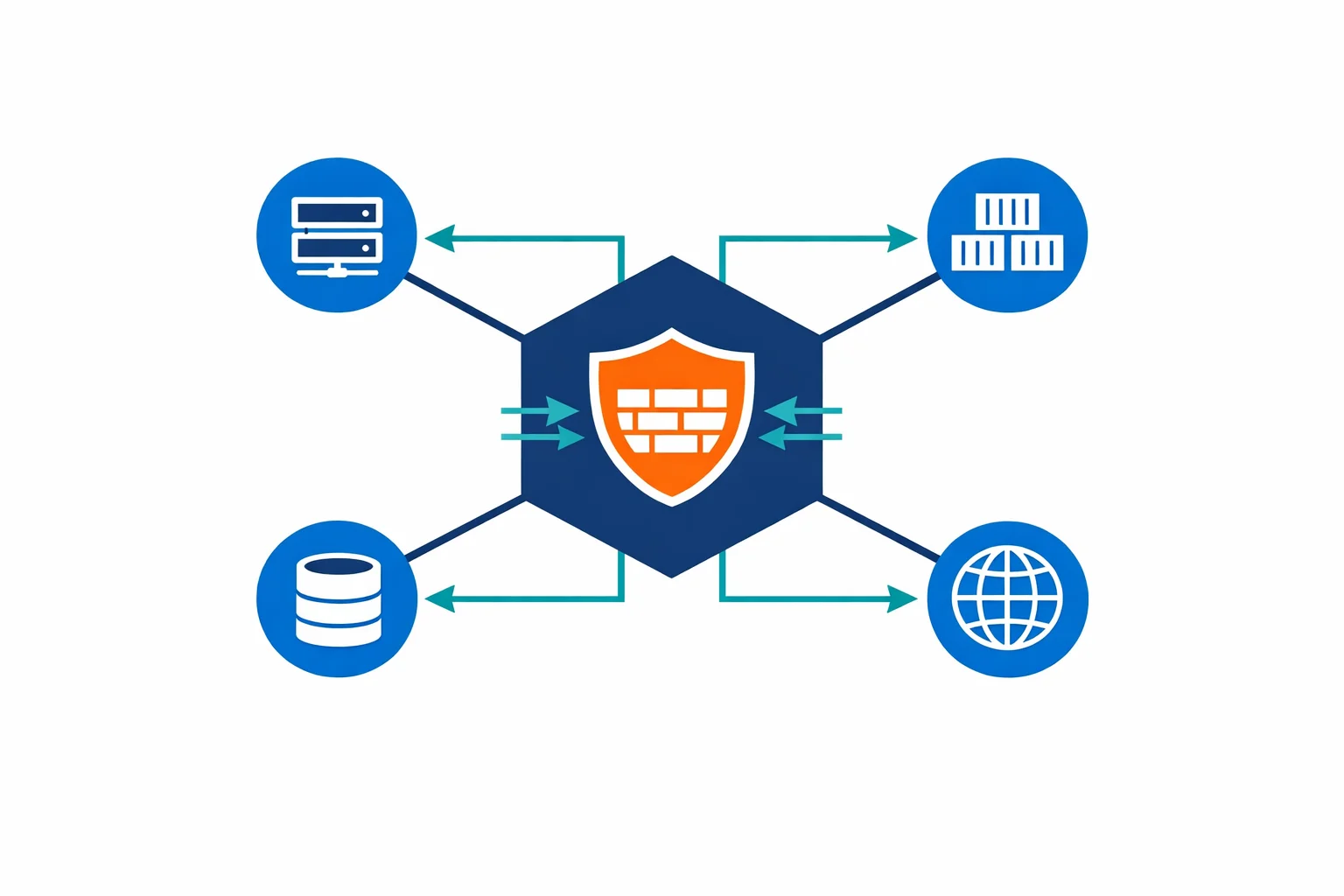
Azure Firewall in 2026 and When Standard, Premium, or an NVA Is the Right Call
In this article

When we wrote about Azure Firewall in 2018, the two most common objections were “no IPS” and “no SSL inspection.” Those were fair criticisms at the time. Azure Firewall launched as a managed, stateful firewall with solid L3-L7 filtering and FQDN rules, but it could not decrypt TLS traffic and had no signature-based intrusion detection. For organisations that needed either capability, the answer was still a third-party NVA.
Eight years later, those objections no longer hold. Azure Firewall now ships in three SKUs: Basic, Standard, and Premium. Premium adds TLS inspection, IDPS, and URL filtering, closing the two gaps that kept NVAs in place for many regulated workloads. Microsoft explicitly positions Premium for highly sensitive and regulated environments, including payment processing and healthcare. The service is no longer just the simpler cloud-native alternative. It is a full-featured managed firewall, and the design question has changed.
The real question in 2026 is not “Azure Firewall or NVA?” It is whether Standard covers your traffic and control requirements, or whether Premium’s decrypted inspection capabilities change the architecture.
The Three SKUs in Business Terms
Azure provides three firewall SKUs, each targeting a different profile. The feature comparison is detailed, but the business-level summary is more useful.
Basic targets smaller environments and lighter throughput requirements. It supports up to 250 Mbps, provides L3-L4 filtering with threat intelligence, and covers the baseline for branch offices or SMB workloads that need managed firewalling without enterprise-grade features. DNAT on private IP ranges is not available on Basic, which limits some internal routing patterns.
Standard is the mainstream enterprise firewall. L3-L7 filtering, threat intelligence with alert-and-deny, DNS proxy for private endpoint resolution, web categories, FQDN tags for Azure services, and autoscaling up to 30 Gbps. For most hub-spoke deployments, Standard is the workhorse.
Premium adds TLS inspection, signature-based IDPS, and URL filtering (not just domain-level, but full URL path). It autoscales up to 100 Gbps. These are the capabilities that close the gap with traditional deep-inspection firewalls, and they are the reason Premium exists as a distinct tier.
When Standard Is Enough
Standard covers the majority of enterprise hub-spoke scenarios. If you are centralising egress control in a hub VNet, inspecting north-south and east-west traffic, and using threat intelligence to block known-bad destinations, Standard does the job.
DNS proxy is a practical highlight that gets overlooked. Private endpoints create split-horizon DNS challenges, and having the firewall act as a DNS proxy simplifies resolution for spoke workloads. Combine that with web category filtering, FQDN-based application rules, and autoscaling, and Standard handles the control requirements for most cloud-native workloads.
The defining characteristic of Standard is that it operates on unencrypted metadata: IP addresses, ports, FQDNs from SNI, HTTP headers. It does not decrypt TLS traffic. If your security requirements and risk model do not mandate decrypted inspection of outbound HTTPS, Standard is the right fit. It provides cloud-native managed firewalling with strong core controls at a lower operational and financial cost than Premium.
When Premium Changes the Decision
The moment your architecture or risk model requires decrypted inspection of outbound HTTPS traffic, Standard stops being the full answer.
Regulated environments under NIS2, DORA, or PCI often carry explicit or implied requirements for traffic inspection that goes beyond SNI-based filtering. IDPS with signature detection catches known threats that would pass through Standard unnoticed because the payload is encrypted. URL filtering at the full path level (not just the domain) provides granular control over what users and workloads can reach. These capabilities only function when TLS inspection is active, because without decryption, Premium sees the same encrypted envelope that Standard sees.
Premium is the right call when regulatory or risk requirements mandate decrypted traffic inspection, when IDPS signature detection is part of the threat model, or when URL-level filtering is needed for data exfiltration controls. It is also the right call in environments where security teams need visibility into outbound HTTPS content, not just the destination domain.
TLS Inspection Is Not Just a Checkbox
Enabling TLS inspection on Premium is operationally more involved than upgrading a SKU selector. The firewall needs a valid intermediate CA certificate stored in Azure Key Vault to generate certificates for intercepted connections. That intermediate CA must be issued by a root CA that clients trust. Microsoft documents the certificate requirements in detail.
Certificate lifecycle management becomes a continuous responsibility: rotation schedules, trust chain distribution to all clients and workloads that traverse the firewall, monitoring for certificate expiry. If your organisation does not already have a PKI practice or a certificate management process, enabling TLS inspection means building one.
We see teams that upgrade to Premium for the IDPS capability but skip TLS inspection because the certificate setup is complex. That misses the point. Without TLS inspection active, IDPS can only inspect unencrypted traffic, and most outbound traffic in a modern environment is HTTPS. The biggest capability Premium adds is only useful when TLS inspection is running.

Where an NVA Still Makes Sense
Azure Firewall is a far stronger service than it was in 2018, but it does not cover every use case. Some organisations have legitimate reasons to run a third-party NVA, and pretending otherwise would be dishonest.
Keep or choose an NVA when you need vendor-specific deep inspection stacks with proprietary threat intelligence feeds, when SD-WAN or SASE integration requires a specific vendor’s gateway appliance, when your security model depends on features outside Azure Firewall’s managed model, or when a regulatory mandate specifies a particular security vendor’s certification.
Use Azure Firewall when managed operations, policy consistency across regions, and Azure-native integration are priorities. The operational overhead of running NVA VMs (patching, clustering, capacity planning, license management) is real, and we covered that trade-off in the original article.
Choose an NVA only when there is a clear capability or operating-model reason, not by default and not because the on-premises firewall vendor is familiar.

Firewall Policy: Stop Configuring Like 2018
If you are still managing Azure Firewall through classic rules, you are missing the modernisation that matters most for day-2 operations. Firewall Policy is the recommended configuration method and has been for several years.
A Firewall Policy is a global Azure resource. It can be reused across regions, subscriptions, and multiple firewall instances. Rule collection groups within a policy can have separate ownership and lifecycle per team or environment, which aligns with how platform and application teams actually operate. The platform team manages infrastructure rules at one priority range. Application teams own their workload rules at another. Changes go through separate approval processes without touching each other’s configuration.
If your firewall configuration is still a flat list of classic rules on a single instance, migrating to Firewall Policy is the single highest-value improvement you can make to your firewall operations.

Known Limitations Worth Tracking
Azure Firewall has matured significantly, but a few known limitations affect design decisions.
DNAT on private IP ranges is available on Standard and Premium only. Basic does not support it, which matters for internal traffic patterns that rely on destination NAT. Deployment capacity varies by region; check the known issues page before assuming availability in a secondary region. Premium’s TLS inspection adds certificate lifecycle complexity that we covered above, and it requires planning before deployment rather than after. Forced tunneling (routing all firewall traffic through an on-premises appliance or another NVA) has specific configuration requirements and restrictions that differ by SKU.
None of these are blocking for most deployments, but each can surprise a team that did not account for them during design.
Decision Summary
The 2026 decision framework for Azure Firewall is more nuanced than “cloud-native or NVA” but still straightforward once you identify your requirements.
Choose Basic when the environment is small, throughput requirements are under 250 Mbps, and the workload profile is simple. Branch offices, SMB deployments, and lightweight dev/test environments fit here. Accept that DNAT on private IPs and advanced features are not available.
Choose Standard when you are running a mainstream enterprise hub-spoke topology and need L3-L7 filtering, DNS proxy, threat intelligence, web categories, and autoscaling. Standard is the right default for most Azure environments that do not require decrypted traffic inspection. It covers centralised egress control, east-west inspection, and the logging and monitoring that landing zone architectures depend on.
Choose Premium when the workload is regulated, when TLS inspection is required by policy or risk model, when IDPS signature detection is part of the security architecture, or when URL-level filtering is needed for exfiltration controls. Premium is the answer for environments subject to NIS2, DORA, PCI, or any framework that requires visibility into encrypted outbound traffic. Pair it with proper certificate management and treat TLS inspection as a capability to operate, not just enable.
Keep an NVA when a specific vendor capability, SD-WAN integration, or regulatory vendor mandate creates a gap that Azure Firewall cannot fill. That gap is real for some organisations, but it is narrower than it was in 2018.
For organisations building WAF and perimeter strategies alongside firewall architecture, the firewall decision feeds directly into how traffic flows through Front Door, Application Gateway, and APIM. Get the firewall tier right first. The rest of the network security stack builds on that foundation.
Need help with your Azure security posture?
We help enterprises design and tune Azure security controls: WAF policies, Sentinel ingestion, Defender for Cloud, identity governance, and NIS2/DORA readiness.
More from the blog
Azure Private Link: How It Changed the Enterprise PaaS Playbook
Azure Bastion: Why Your VMs Don't Need Public IPs Anymore