Azure Firewall: When Cloud-Native Network Security Finally Makes Sense
In this article
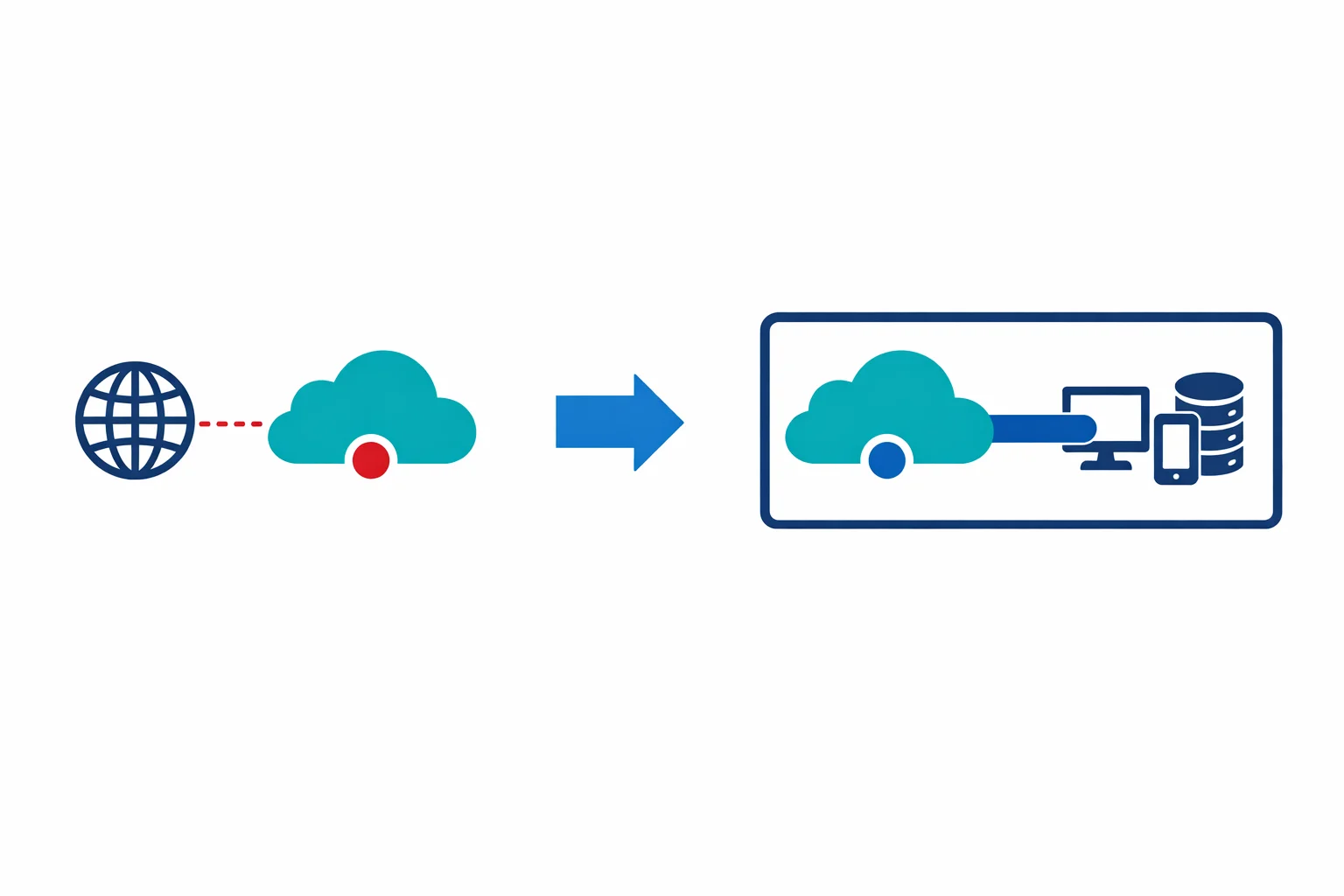
For years, the answer to “how do I do network security in Azure?” was “deploy a third-party NVA.” Palo Alto, Fortinet, Check Point - pick your favourite appliance vendor, deploy their virtual machines into your hub VNet, and manage the routing yourself.
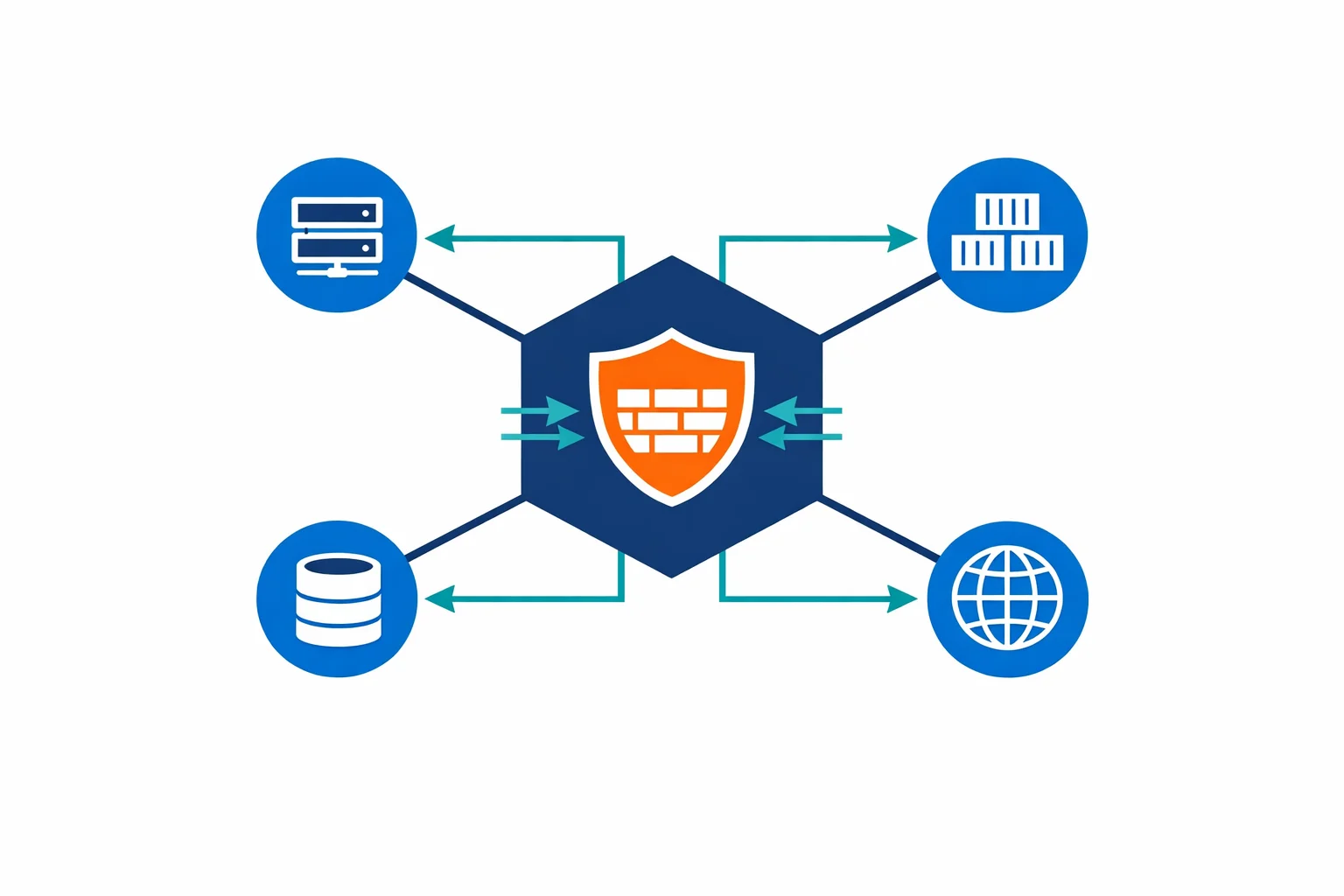
That era is ending. Microsoft just announced Azure Firewall general availability at Ignite 2018. It is a fully managed, cloud-native, stateful firewall as a service with built-in high availability and unrestricted cloud scalability.
Why It Matters
NVAs work. We have deployed plenty of them. But they come with operational overhead that doesn’t belong in a cloud-native architecture.
You are running VMs that need patching, monitoring, and capacity planning. Achieving high availability means active-passive or active-active clustering across availability zones, which requires load balancers, custom health probes, and UDR management. Traffic spikes force manual scale-out or over-provisioning, and neither option is cloud-native. On top of all that, NVA licenses add up fast and often cost more than the compute they run on.
Azure Firewall eliminates all of this. It is a PaaS service. No VMs to patch, no clusters to manage, no licenses to negotiate.
Azure docs: Azure Firewall overview · Azure Firewall features
What You Get
Azure Firewall provides stateful packet inspection across all ports and protocols, combined with L3/L4 network rules and L7 application rules in a single service. A built-in threat intelligence feed can alert or deny traffic from known malicious IPs and domains without any third-party integration.
High availability needs no additional configuration; the service spans availability zones automatically and handles traffic spikes without manual intervention.
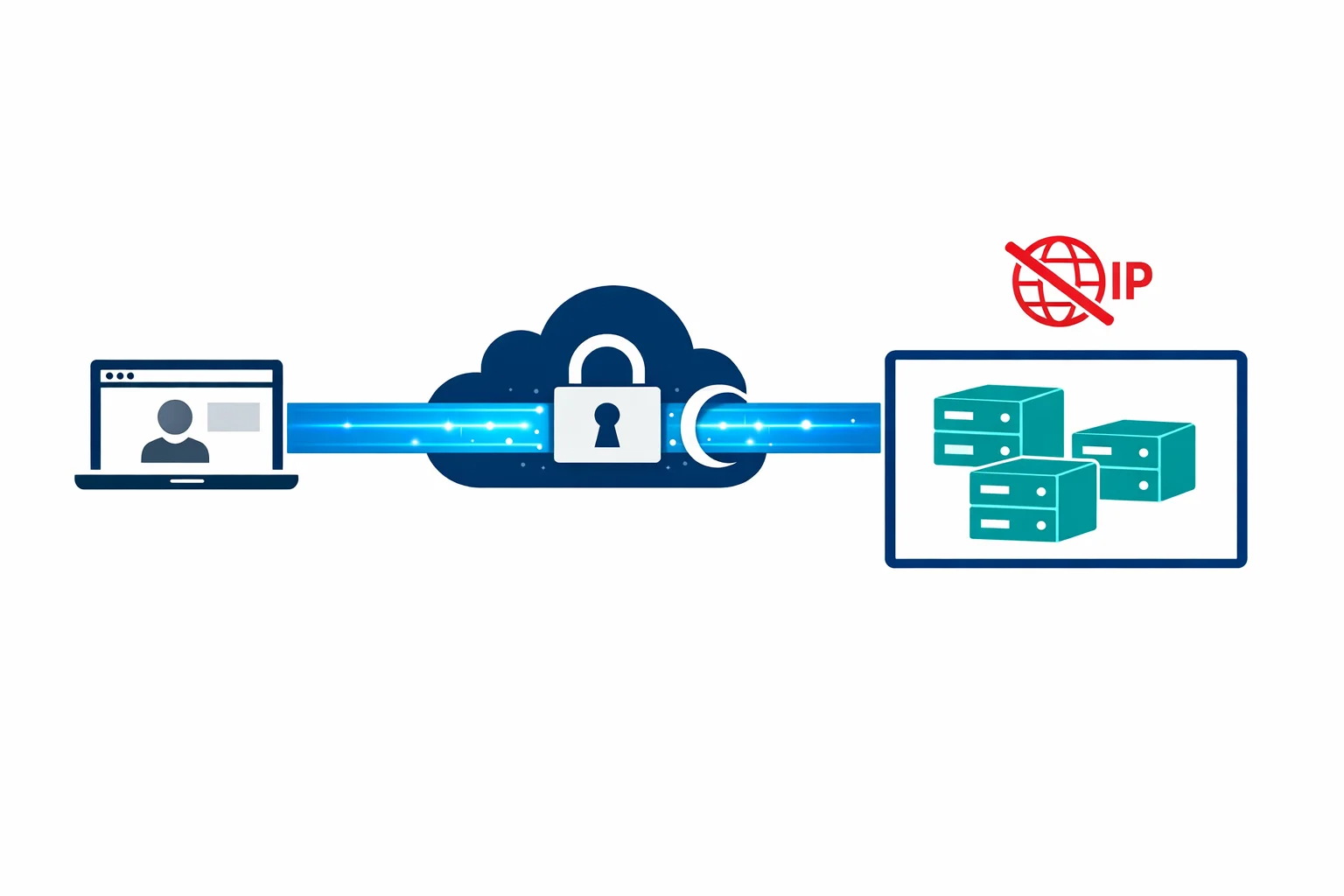
Perhaps the most valuable feature is FQDN filtering: allowing outbound traffic to specific domain names instead of IPs. Try configuring IP-based rules for *.blob.core.windows.net or pypi.org and you will see why. IP ranges change constantly. FQDN rules solve this cleanly, making outbound filtering for SaaS services and package registries far more practical.
Hub-Spoke Architecture with Azure Firewall
In practice, Azure Firewall sits in the hub VNet of a hub-spoke topology:
- A hub VNet containing Azure Firewall, VPN/ExpressRoute gateways, and shared services
- Spoke VNets containing workloads, peered to the hub
- User-Defined Routes (UDRs) routing all spoke traffic through the firewall’s private IP
- Firewall rules controlling what traffic is allowed between spokes, to the internet, and to on-premises
One design decision comes up every time: route all traffic through the firewall, or only internet-bound traffic? We recommend routing everything. Centralised logging gives you visibility worth the minor latency overhead, and Azure Firewall logs every connection to Log Analytics for a complete traffic picture.
# UDR on spoke subnets
0.0.0.0/0 → Azure Firewall private IP (forces all traffic through FW)
Azure docs: Hub-spoke topology · Azure Firewall deployment
When to Keep the NVA
Azure Firewall isn’t a full replacement for every NVA scenario. Keep your NVA if you need advanced IDS/IPS with deep packet inspection and custom signatures; Azure Firewall Premium (coming later) will add some of this, but today’s GA version doesn’t have full IPS. SSL/TLS inspection with forward proxy and certificate interception is another gap, as Azure Firewall doesn’t do this yet. Regulatory requirements that mandate a specific vendor’s security certification or complex NAT scenarios beyond Azure Firewall’s current DNAT capabilities are also reasons to stay on an NVA.
For most enterprise hub-spoke deployments where the primary need is network segmentation, outbound filtering, and traffic logging, Azure Firewall is now the right choice.
Rule Organisation
Azure Firewall evaluates rules in this order: NAT rules → Network rules → Application rules. Within each collection, rules are processed by priority.
A practical organisation pattern:
Rule Collection Group: Platform (priority 100-999)
├── NAT Collection: inbound-services (priority 100)
│   └── DNAT rules for public-facing services
├── Network Collection: infrastructure (priority 200)
│   └── Allow DNS, NTP, Azure management traffic
└── Application Collection: shared-services (priority 300)
    └── Allow Windows Update, Ubuntu repos, package managers

Rule Collection Group: Workloads (priority 1000-9999)
├── Network Collection: app-team-alpha (priority 1000)
│   └── Allow spoke-A to SQL, spoke-A to Key Vault
└── Application Collection: app-team-alpha (priority 1100)
    └── Allow outbound to specific SaaS endpoints
Keep platform rules separate from workload rules. The platform team manages the infrastructure rules. Application teams request workload rules through a change process.
Logging and Monitoring
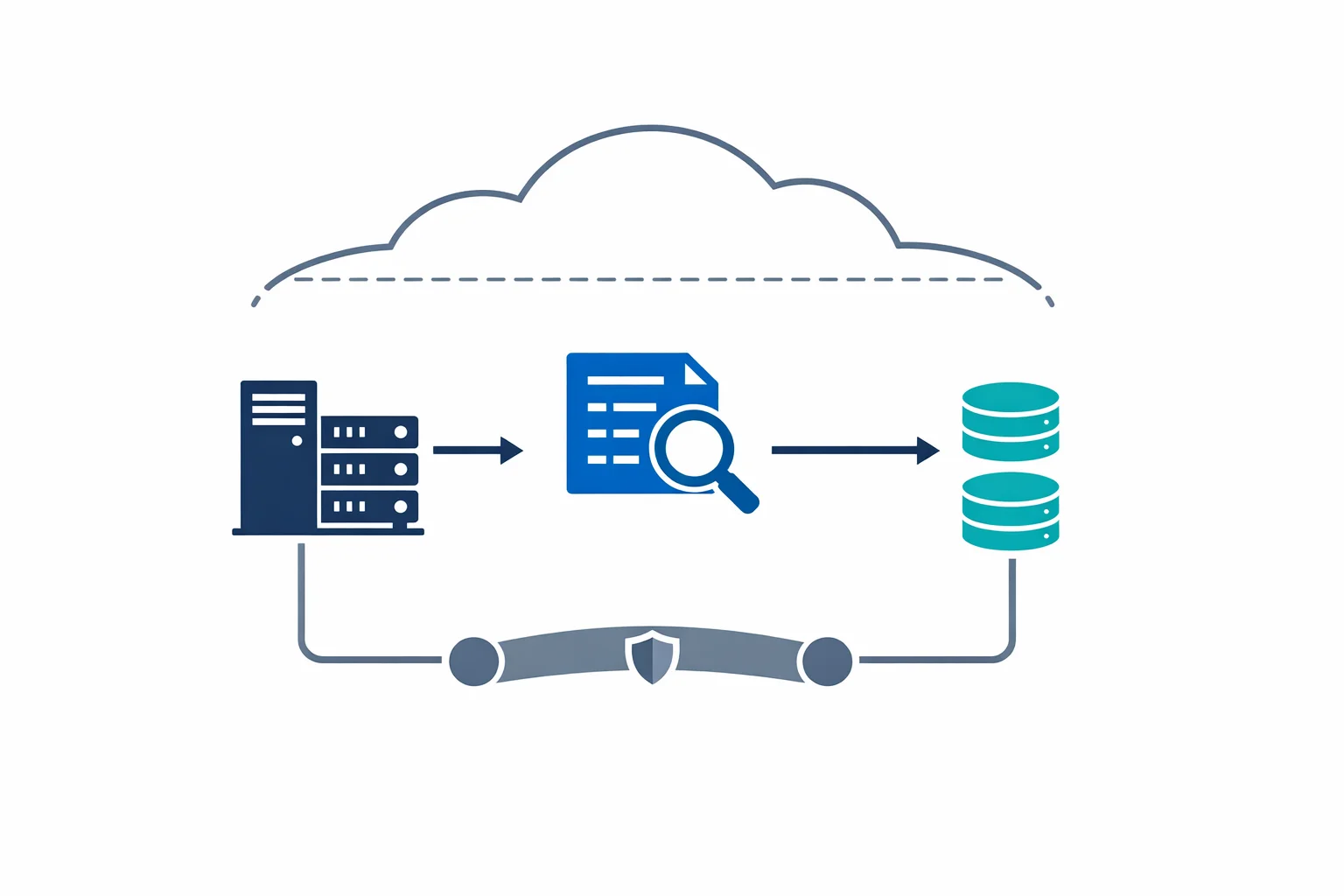
Every firewall rule hit (allow and deny) is logged to Azure Monitor / Log Analytics. You get full traffic analytics showing who is talking to whom, how much, and how often. Correlating firewall logs with Sentinel (when it arrives) opens up proper threat detection and security analysis. And for compliance, those logs serve as auditable proof that network segmentation is enforced.
Enable diagnostic settings from day one. Log Analytics ingestion costs are trivial compared to the visibility you gain.
Azure docs: Azure Firewall logs and metrics · Monitor Azure Firewall
Wrapping Up
Azure Firewall isn’t a “basic” firewall. It is a managed, scalable, zone-redundant network security service that handles the 80% case for enterprise hub-spoke architectures. The 20% of scenarios requiring deep packet inspection or SSL interception still need NVAs - but that 20% is shrinking with every Azure Firewall update.
If you are building a new Azure landing zone today, start with Azure Firewall in the hub. It is simpler to operate, cheaper to run, and gives you better visibility than a pair of NVA VMs ever did.
For most teams, that means fewer tickets, faster audits, and one less set of VMs to worry about on patch Tuesday.
Need help with your WAF or cloud security posture?
We help Azure enterprises turn WAF from a checkbox into a tuned security layer. From log analysis and rule profiling to a fully documented, governance-ready configuration.