Azure Landing Zones: What I Wish I Had Known Before Deploying Enterprise-Scale
In this article
- What Enterprise-Scale Actually Gives You
- The Management Group Hierarchy: Follow It Until You Have a Reason Not To
- Azure Policy: Your Most Powerful Tool and Your Biggest Footgun
- Networking: Hub-Spoke vs Virtual WAN
- The Identity Subscription Is Not Optional
- The Reference Implementations Are Starting Points
- Common Mistakes I Keep Seeing
- What I’d Do Differently Next Time
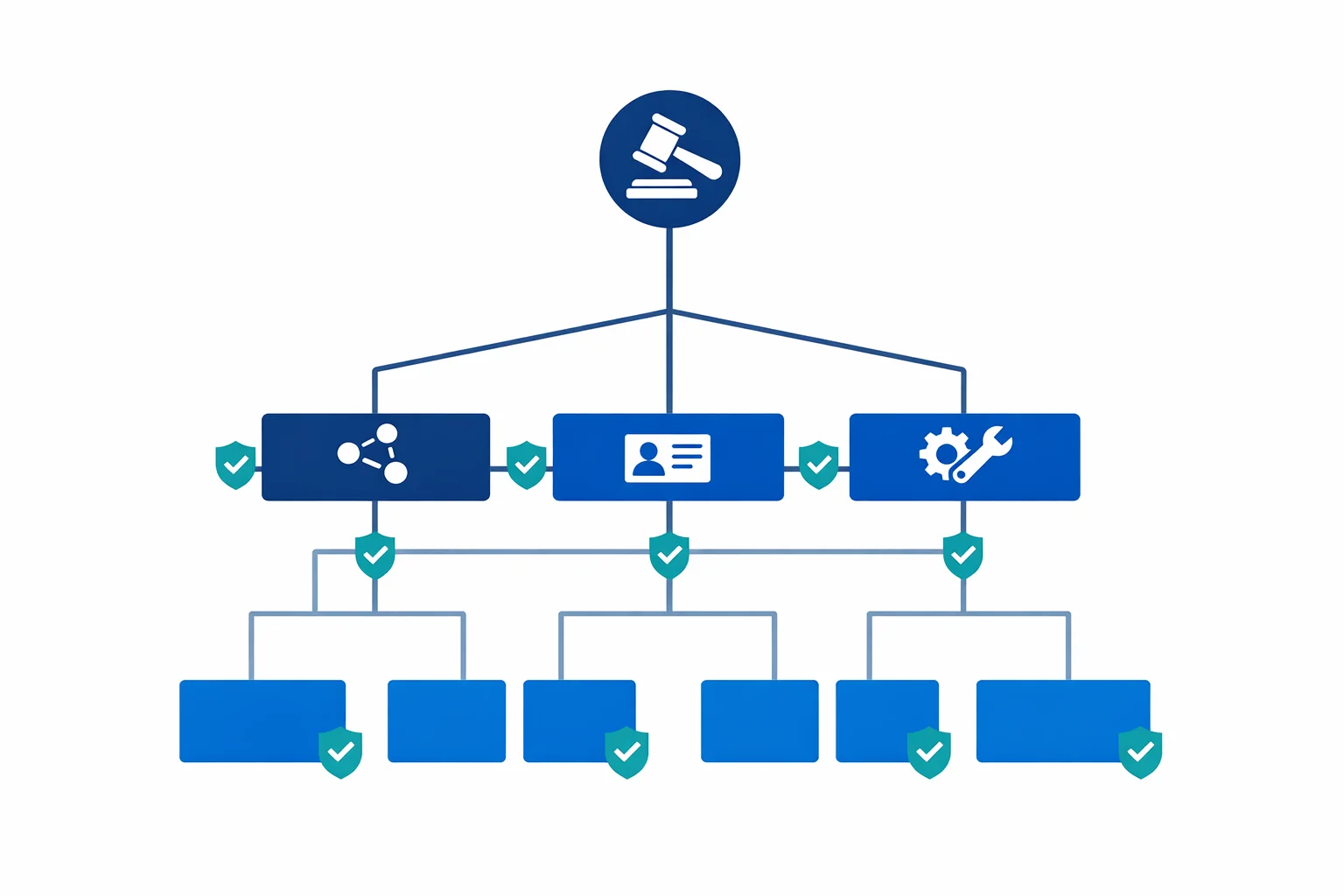
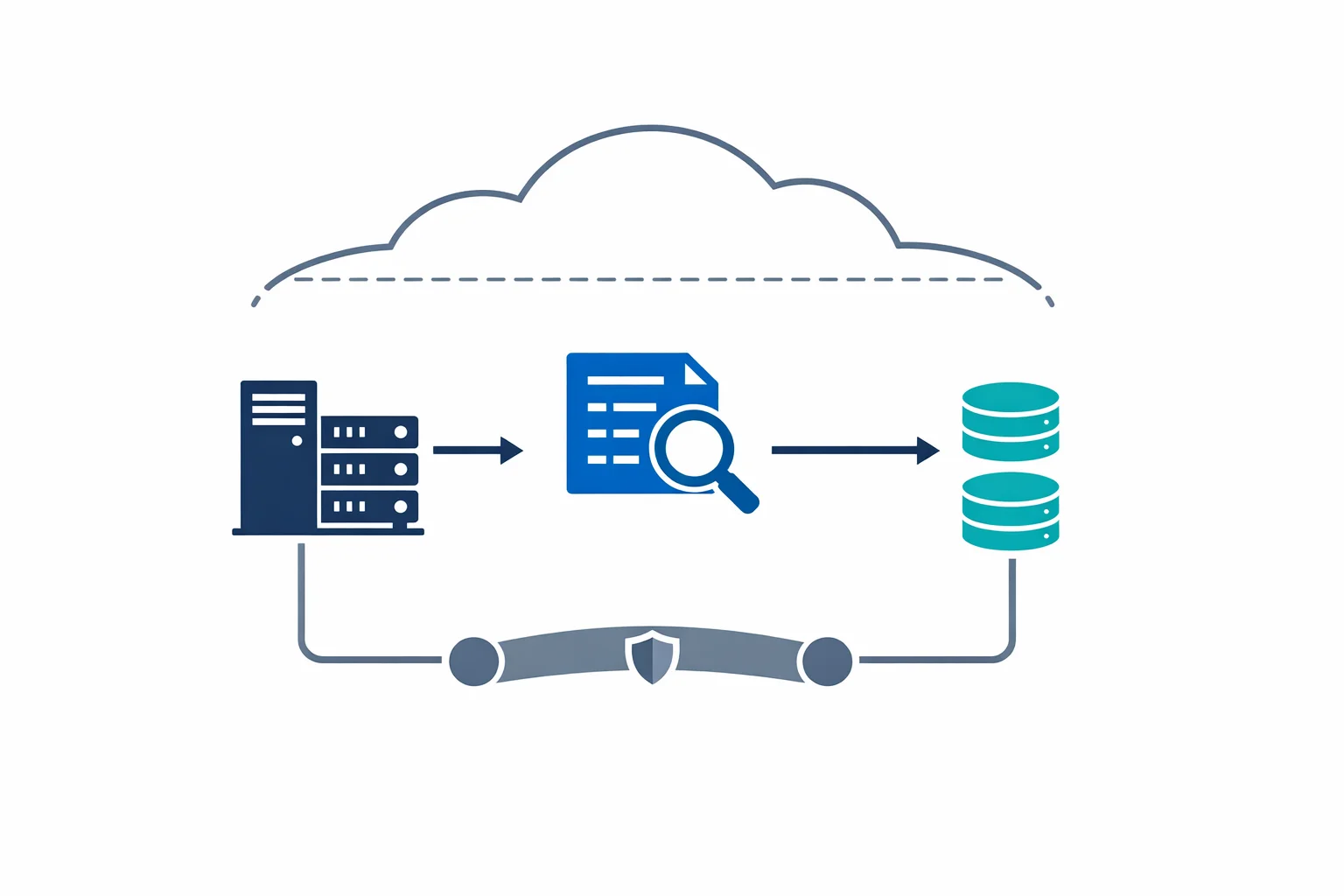
Microsoft just published the Enterprise-Scale architecture as part of the Cloud Adoption Framework. It is the most opinionated, production-ready Azure foundation they have ever released. A full Management Group hierarchy, policy-driven governance, hub-spoke networking, centralised logging, and identity isolation - all wired together and backed by reference implementations you can deploy today.
After implementing this architecture for multiple organisations over the past months (we had early access through the design partner programme), here is what I wish someone had told me before the first deployment.
What Enterprise-Scale Actually Gives You
The architecture isn’t a diagram to admire. It is a deployable framework that provisions:
- A Management Group hierarchy that separates platform concerns (identity, management, connectivity) from workload landing zones
- Azure Policy assignments that enforce governance guardrails from the root - deny public IPs on NICs, enforce disk encryption, require resource tagging
- Hub-spoke networking with centralised DNS, firewall, and gateway infrastructure
- Centralised logging via a platform Log Analytics workspace with diagnostic settings flowing from every subscription
- Subscription vending patterns that let you hand out pre-configured subscriptions to application teams
This isn’t a whitepaper. It is infrastructure as code that you deploy, and it works. But “works” and “works for your organisation” are different things.
Azure docs: Enterprise-Scale architecture · Design principles
The Management Group Hierarchy: Follow It Until You Have a Reason Not To
The recommended hierarchy looks like this:
Tenant Root Group
└── Your Organisation
    ├── Platform
    │   ├── Identity
    │   ├── Management
    │   └── Connectivity
    ├── Landing Zones
    │   ├── Corp (internal workloads)
    │   └── Online (internet-facing workloads)
    ├── Sandbox
    └── Decommissioned
Every time I have seen someone try to “improve” this hierarchy on day one - adding extra levels for business units, geographic regions, or cost centres - they regretted it within months. Management Groups are governance boundaries, not organisational charts. If you nest six levels deep because your company has six divisions, you end up with policy inheritance chains that nobody can debug and RBAC assignments that contradict each other.
Start with the reference hierarchy. Add a level only when you have a concrete policy or RBAC requirement that can’t be solved any other way. Most organisations need at most one additional tier under Landing Zones - and even that is often unnecessary.
The Sandbox management group is worth calling out. It sits outside the Landing Zones branch, which means it inherits minimal policies. This is intentional. Give developers a subscription under Sandbox with a budget alert and relaxed guardrails. They can experiment freely without raising policy violations. When the workload is ready for production, it moves to a Landing Zone subscription with full governance. This pattern eliminates 80% of the “Azure Policy is blocking my deployment” complaints.
Azure docs: Management Group hierarchy · Subscription organisation
Azure Policy: Your Most Powerful Tool and Your Biggest Footgun
Enterprise-Scale ships with a curated set of policy assignments. The important ones:
- Deny public IP addresses on network interfaces - forces traffic through centralised networking
- Enforce encryption at rest for storage accounts and managed disks
- Require specific tags on resource groups (cost centre, environment, owner)
- Deploy diagnostic settings automatically to the central Log Analytics workspace
- Audit or deny non-compliant SKUs to control cost and security posture
These policies are correct in principle. The problem is timing. If you enable every policy at the root Management Group on day one, you will block legitimate deployments from teams that are mid-migration. A developer trying to deploy a proof of concept will hit a deny wall, escalate to the platform team, and suddenly your carefully designed governance framework is perceived as an obstacle instead of a guardrail.
The practical approach: deploy policies in Audit mode first. Let them report non-compliance for two to four weeks. Review the compliance dashboard. Identify which violations are genuine risks and which are expected patterns that need exemptions. Then flip to Deny - with exemptions already in place.
Policy exemptions aren’t a sign of weakness. They are the mechanism that makes governance sustainable. A storage account that needs public blob access for a CDN origin isn’t a policy failure - it is a documented exception with a business justification. Build the exemption process into your operating model from the start.
Azure docs: Policy-driven governance · Azure Policy exemption structure
Networking: Hub-Spoke vs Virtual WAN
Enterprise-Scale supports both topologies. The choice matters more than people think.
Hub-spoke with Azure Firewall is the right default for most organisations. You get full control over routing, direct peering between spokes when needed, and a networking model that every engineer understands. The hub VNet is yours - you decide what goes in it.
Virtual WAN is the right choice when you have multiple Azure regions with complex branch connectivity (SD-WAN integration, dozens of VPN sites) and you want Microsoft to manage the routing mesh. Virtual WAN simplifies multi-region transit, but you trade control for convenience. You can’t deploy arbitrary resources into the Virtual WAN hub, and troubleshooting routing becomes harder because the underlying infrastructure is managed.
The mistake I see most often: choosing Virtual WAN because it sounds more “enterprise” without having the multi-region, multi-branch requirements that justify it. If you have one Azure region and one ExpressRoute circuit, hub-spoke is simpler, cheaper, and gives you more flexibility.
Whichever topology you choose, make the decision before deploying Enterprise-Scale. Changing from hub-spoke to Virtual WAN (or vice versa) after the fact means re-deploying the entire connectivity subscription. This isn’t a setting you toggle.
Azure docs: Network topology and connectivity · Virtual WAN overview
The Identity Subscription Is Not Optional
The Platform > Identity subscription hosts your domain controllers (if you run Active Directory in Azure), DNS forwarders, and any identity infrastructure that workloads depend on. It is tempting to collapse this into the Connectivity subscription or skip it entirely if you think “we only use Azure AD.”
Don’t skip it. Even in a pure Azure AD environment, you will eventually need Private DNS zones for private endpoints, conditional forwarders for hybrid resolution, or a managed domain service. Having a dedicated subscription with its own RBAC boundary means the identity team can operate independently of the networking team. That separation matters when you have 50 subscriptions and three teams managing the platform.
Azure docs: Identity and access management
The Reference Implementations Are Starting Points
Microsoft provides reference implementations in Bicep and Terraform. They are excellent for getting started. They aren’t finished products.
Every organisation I have worked with needed to customise the reference implementations significantly:
- Custom policy definitions for organisation-specific requirements (naming conventions, approved regions, mandatory diagnostic categories)
- Integration with existing CI/CD pipelines - the reference implementations assume a specific deployment model that rarely matches what teams already use
- State management - Terraform state backends, Bicep deployment stacks, and the branching strategy for platform changes all need design decisions
- Module structure - breaking the monolithic deployment into composable modules that different teams can own and evolve independently
Treat the reference implementations as a learning tool and a source of patterns. Extract what you need, adapt it to your operating model, and own the result. Forking the entire repository and trying to stay in sync with upstream changes is a path to frustration.
Azure docs: ALZ Bicep modules · ALZ Terraform module
Common Mistakes I Keep Seeing
Too many Management Groups. Every additional level adds cognitive overhead and policy debugging complexity. If you can’t explain why a Management Group exists in one sentence, remove it.
Policies that block without alternatives. Denying public IPs is correct governance. Denying public IPs without providing a documented path to private endpoints, Private Link, and centralised NAT is just blocking work. Every Deny policy needs a corresponding “here is how you do it correctly” guide.
No exemption process. Teams will need exceptions. If the only path is “open a ticket and wait two weeks,” they will work around your governance instead of through it. Build a lightweight, auditable exemption workflow.
Deploying everything at once. Enterprise-Scale is modular by design. Start with Management Groups and policies. Add networking when you are ready. Onboard workloads one subscription at a time. The organisations that succeed are the ones that treat this as a progressive rollout, not a big-bang migration.
Ignoring the compliance dashboard. Azure Policy compliance is only useful if someone looks at it. Assign an owner to the compliance dashboard and review it weekly. Non-compliance that persists for months is governance debt - and it compounds.
What I’d Do Differently Next Time
Enterprise-Scale Landing Zones are the best starting point Microsoft has ever provided for Azure governance. They encode years of hard-won lessons into a deployable framework. But a framework isn’t a solution. The decisions you make around policy timing, networking topology, exemption processes, and IaC ownership are what determine whether your landing zone accelerates your teams or frustrates them.
Start with the reference architecture. Resist the urge to customise everything on day one. Deploy policies in Audit mode. Build the exemption process before you need it. And remember that a landing zone is never finished - it evolves with your organisation.
The goal isn’t a perfect landing zone on day one. The goal is a foundation that gets better every month.
Looking for Azure architecture guidance?
We design and build Azure foundations that scale - landing zones, networking, identity, and governance tailored to your organisation.
More from the blog
Azure AD Is Now Entra ID: What Actually Changed and What You Need to Update
Architecting for Azure OpenAI: Enterprise Patterns That Actually Work