Zero-Credential Architectures: How Managed Identity Changes Everything
In this article
- The Problem We Have Been Living With
- How It Works
- System-Assigned vs User-Assigned
- Architecture Patterns
- Pattern 1: App Service → Key Vault (no bootstrap secret)
- Pattern 2: Function App → Storage + SQL + Service Bus
- Pattern 3: Terraform with Managed Identity
- What About Local Development?
- The Migration Path
- So What?
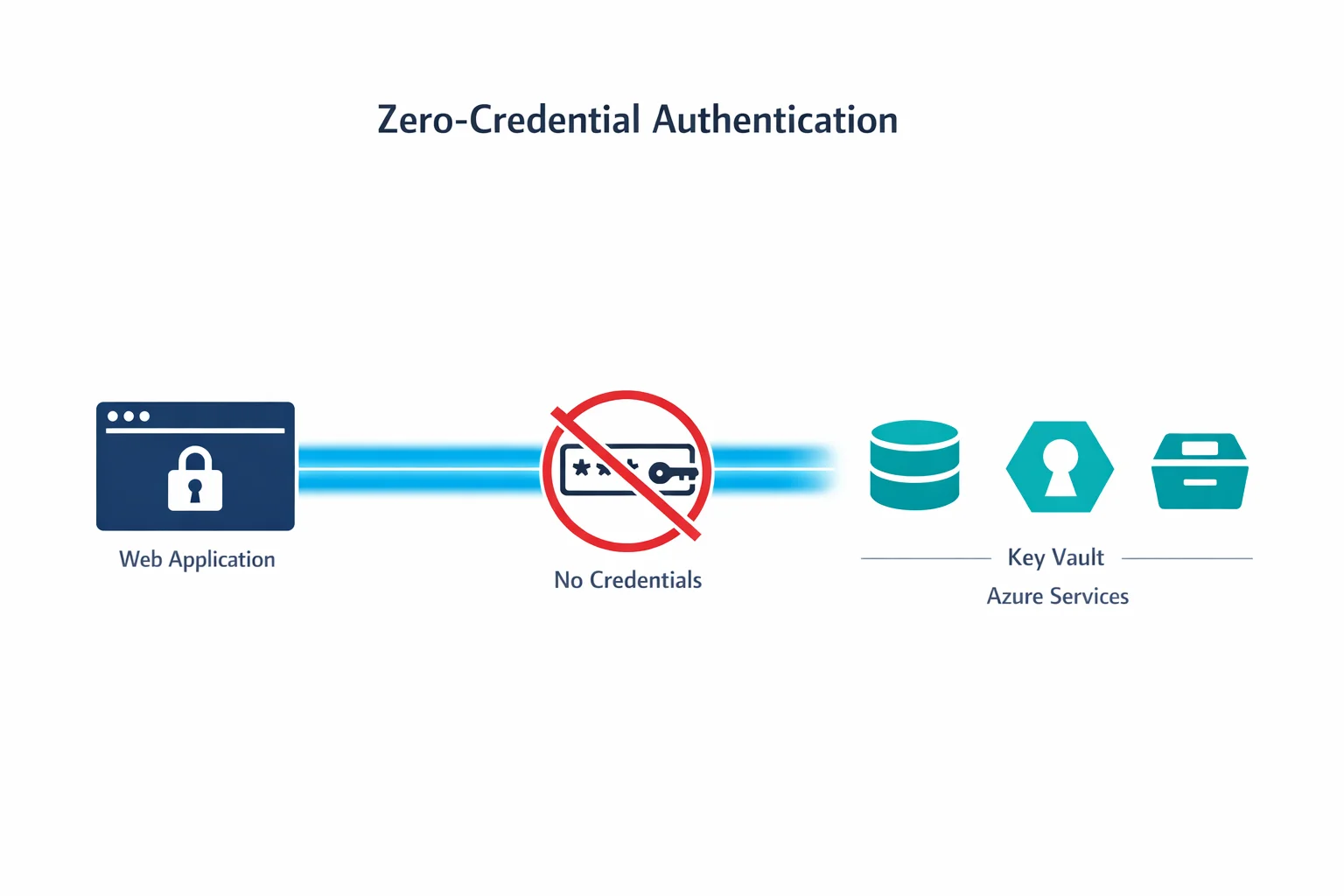
If you have ever stored a connection string in an app setting, hardcoded an API key in a config file, or rotated a service principal secret at 2 AM because it expired, Managed Identity is for you.
Microsoft just made Managed Identities for Azure Resources generally available across core services including App Service, Functions, and Virtual Machines. This changes how we design authentication between Azure services.
The Problem We Have Been Living With
Every application that talks to another service needs credentials. A web app connecting to a database needs a connection string. A Function calling Key Vault needs a client secret. An automation script accessing Storage needs an access key.
The traditional approach creates a chain of problems:
- Secrets in config files. Even if you use Key Vault, the app still needs credentials to access Key Vault - a chicken-and-egg problem
- Secret rotation. Every credential has an expiry date. Rotation means downtime risk and operational overhead
- Credential sprawl. Each service-to-service connection multiplies the number of secrets to manage
- Blast radius. A leaked credential gives an attacker access until someone notices and rotates it
Managed Identity eliminates all of these by letting Azure handle authentication behind the scenes.
Azure docs: Managed Identities overview · Services that support managed identities
How It Works
When you enable Managed Identity on an Azure resource, Azure creates an identity object in Entra ID (Azure AD) that is tied to the lifecycle of that resource. The resource can then request tokens from the Azure Instance Metadata Service (IMDS) - no credentials needed.
The flow:
- You enable Managed Identity on your App Service (or VM, Function, etc.)
- Azure creates a service principal in your Entra ID tenant
- You grant that identity RBAC roles on target resources (Storage, SQL, Key Vault)
- Your code requests a token using the Azure SDK - the SDK handles the IMDS call automatically
- The target service validates the token and grants access
No secrets stored. No secrets rotated. No secrets leaked.
// Before: connection string with credentials
var client = new BlobServiceClient("DefaultEndpointsProtocol=https;AccountName=...;AccountKey=...");

// After: Managed Identity - zero credentials
var client = new BlobServiceClient(
    new Uri("https://mystorageaccount.blob.core.windows.net"),
    new DefaultAzureCredential()
);
The DefaultAzureCredential class from the Azure SDK automatically detects Managed Identity in production and falls back to your local credentials during development. One line of code, zero secrets.
System-Assigned vs User-Assigned
Managed Identity comes in two flavours. The choice matters for your architecture:
System-assigned identities are tied 1:1 to a resource. When you enable it on an App Service, Azure creates an identity that lives and dies with that App Service. Delete the app, the identity disappears.
User-assigned identities are standalone resources that you create and manage independently. You can assign the same identity to multiple resources.
| Scenario | Use |
|---|---|
| Single app accessing a few resources | System-assigned |
| Multiple apps needing the same permissions | User-assigned |
| Blue/green deployments with slot swaps | User-assigned |
| Predictable RBAC (identity exists before app) | User-assigned |
| Simple lifecycle, one-to-one relationship | System-assigned |
In practice, we start with system-assigned for simplicity and move to user-assigned when we need to share identities across resources or when deployment slot scenarios require it.
Azure docs: System-assigned vs user-assigned · Best practices
Architecture Patterns
Pattern 1: App Service → Key Vault (no bootstrap secret)
The classic chicken-and-egg problem solved. Your App Service uses Managed Identity to access Key Vault directly. Key Vault references in App Service configuration (@Microsoft.KeyVault(...)) work transparently:
- Enable system-assigned identity on the App Service
- Grant the identity
Key Vault Secrets Userrole on the Key Vault - Reference secrets in app settings:
@Microsoft.KeyVault(SecretUri=https://myvault.vault.azure.net/secrets/db-password)
No connection string to Key Vault needed. The platform handles everything.
Pattern 2: Function App → Storage + SQL + Service Bus
A Function App with Managed Identity can authenticate to all its dependencies without storing any credentials:
- Storage: Use the identity-based connection for trigger bindings
- SQL: Azure SQL supports Entra ID authentication - add the identity as a database user
- Service Bus: Grant
Azure Service Bus Data Receiverrole
Your Function App configuration becomes a list of endpoints, not a list of secrets.
Pattern 3: Terraform with Managed Identity
If your CI/CD pipeline runs on Azure (self-hosted agents on VMs, or Container Instances), the pipeline itself can use Managed Identity to authenticate to ARM:
provider "azurerm" {
  features {}
  use_msi = true
}
No service principal client secret in your pipeline variables. No secret expiry alerts at 3 AM.
What About Local Development?
DefaultAzureCredential has a fallback chain. In production, it uses Managed Identity. Locally, it tries (in order):
- Environment variables (service principal)
- Azure CLI credentials (
az login) - Visual Studio / VS Code credentials
- Azure PowerShell credentials
This means developers authenticate locally with az login and the same code works in production with Managed Identity. No if (isDevelopment) branches needed.
The Migration Path
If you have existing applications using connection strings and service principal secrets:
- Start with new deployments. Use Managed Identity from day one for anything new
- Identify high-risk credentials. Storage account keys and SQL connection strings in app settings are the biggest risk
- Enable Managed Identity on existing resources. This is non-destructive - it adds an identity without changing existing authentication
- Add RBAC assignments. Grant the managed identity the same permissions the connection string provided
- Switch the code. Replace connection strings with
DefaultAzureCredential. The Azure SDK makes this a one-line change for most services - Remove the old secrets. Once validated, delete the connection strings and secrets
Azure docs: DefaultAzureCredential · Key Vault references in App Service
So What?
Managed Identity eliminates an entire class of vulnerabilities. No credentials in code. No secret rotation. No credential sprawl.
Every new Azure architecture should use Managed Identity as the default authentication method between services. If you are still passing connection strings between Azure services, you are carrying risk you don’t need to carry.
The best secret is the one that doesn’t exist.
Need help with your WAF or cloud security posture?
We help Azure enterprises turn WAF from a checkbox into a tuned security layer. From log analysis and rule profiling to a fully documented, governance-ready configuration.
More from the blog
Azure AD Is Now Entra ID: What Actually Changed and What You Need to Update
Azure Private Link: How It Changed the Enterprise PaaS Playbook