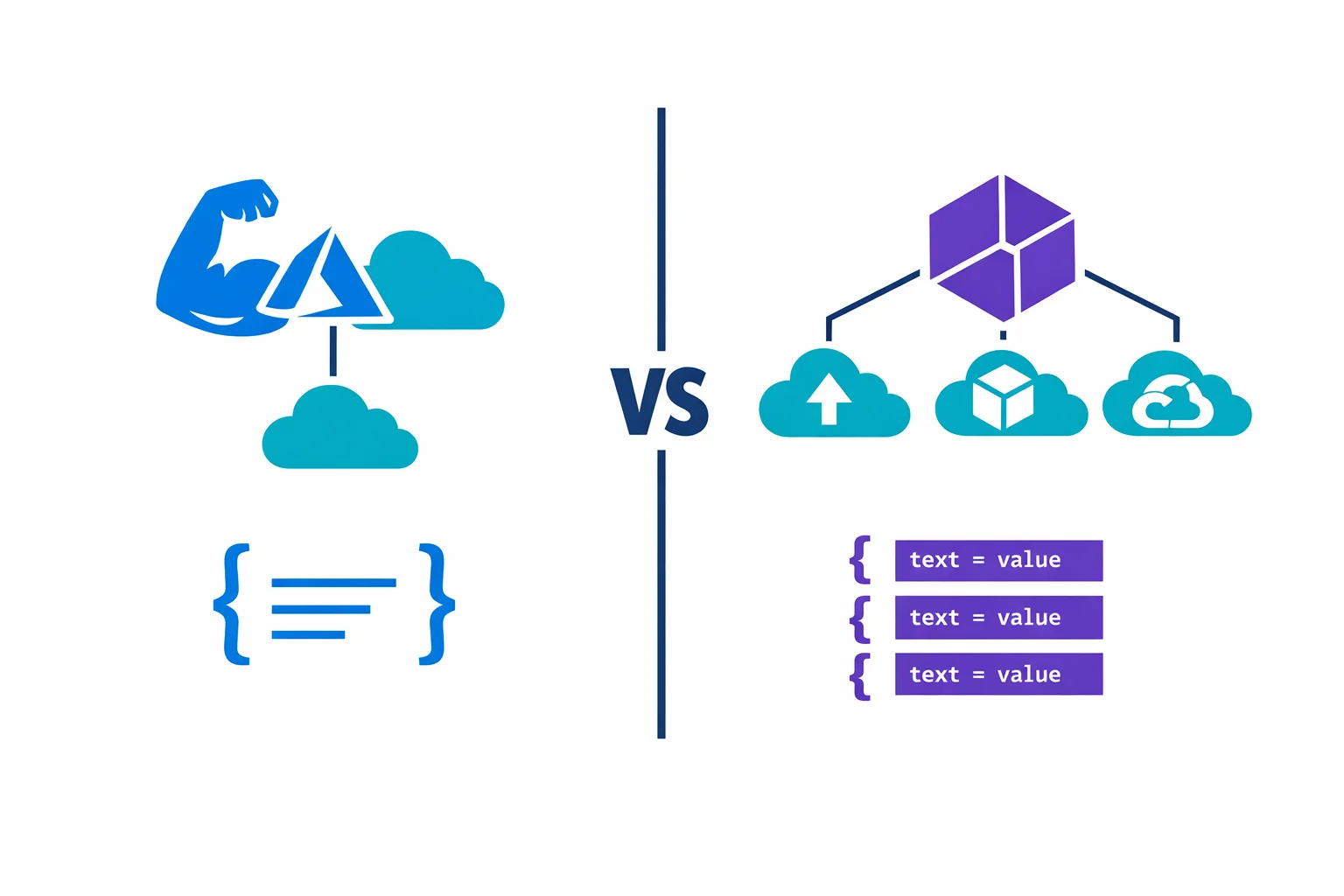
Azure Verified Modules: Microsoft's Answer to the Terraform Module Mess
In this article

The Terraform module ecosystem for Azure has been a mess for years. Search the Terraform Registry for an Azure Key Vault module and you get 40 results. Some are maintained. Most aren’t. Half pin to azurerm provider versions from 2022. The other half have READMEs that say “work in progress” and haven’t seen a commit in 18 months.
Microsoft knew this was a problem. They had their own fragmented attempts - the Common Azure Resource Modules Library (CARML) for Bicep, scattered “verified” modules on the Terraform Registry, and quickstart templates that worked for demos but not for production. None of it was consistent.
In early 2024, Microsoft launched Azure Verified Modules (AVM) to fix this. One standard. Two languages. Every module tested, versioned, and maintained by Microsoft or Microsoft-approved contributors. After using AVM modules in production across several client environments, we have a clear picture of what works and where the gaps are.
What AVM Replaces
AVM supersedes two separate efforts:
- CARML (Common Azure Resource Modules Library) - a Bicep module library that was well-structured but lived in a single monorepo with limited discoverability
- The Terraform “verified” modules - a scattered collection on the Terraform Registry with the Microsoft seal, but inconsistent quality and no shared interface standard
Both are now deprecated. The migration path is straightforward for CARML users - the Bicep AVM modules follow the same patterns with improved interfaces. For teams that used random community Terraform modules, the migration is more of a “start fresh” exercise.
AVM resources: Azure Verified Modules website - AVM GitHub organization - Module index
Two Flavors: Resource Modules and Pattern Modules
AVM ships two types of modules, and the distinction matters for how you architect your IaC.
Resource modules wrap a single Azure resource type with all its associated sub-resources. The Key Vault resource module doesn’t just create a vault - it handles access policies, private endpoints, diagnostic settings, secrets, keys, and certificates. One module, one resource, everything in one place.
Pattern modules compose multiple resource modules into a deployment pattern. A “hub networking” pattern module creates a VNet, subnets, firewall, bastion host, route tables, and NSGs - all wired together with the right dependencies. These are opinionated blueprints implementing Microsoft’s Well-Architected Framework recommendations.
Resource modules are the daily driver for most teams. Pattern modules are useful for greenfield deployments where you want Microsoft’s reference architecture without reinventing it.
Same Interface, Both Languages
The real achievement of AVM isn’t the modules themselves - it’s the interface specification. Every AVM module, whether Terraform or Bicep, follows the same parameter naming conventions and exposes the same capabilities:
name- the resource name (no creative parameter names likevault_nameorkv_name)location- always available, always calledlocationtags- consistent tag input across every modulelock- resource lock configuration (CanNotDelete, ReadOnly) built into every modulerole_assignments- RBAC assignments directly on the resource, no separate module neededdiagnostic_settings- Log Analytics, Event Hub, or Storage Account diagnostic forwardingmanaged_identities- system-assigned and user-assigned identity configuration
This consistency separates AVM from “just another module collection.” When you’ve used one AVM module, you know the interface for all of them. No need to read the README for every new resource type.
Specification: AVM interface specification - Terraform-specific spec
Practical Example: Key Vault with AVM
This is what an AVM Terraform module looks like in practice. A Key Vault with diagnostic settings, a resource lock, and an RBAC assignment:
module "keyvault" {
  source  = "Azure/avm-res-keyvault-vault/azurerm"
  version = "~> 0.7"

  name                = "kv-platform-prd-we-001"
  resource_group_name = azurerm_resource_group.this.name
  location            = azurerm_resource_group.this.location
  tenant_id           = data.azurerm_client_config.current.tenant_id

  sku_name                    = "standard"
  public_network_access_enabled = false
  purge_protection_enabled      = true

  network_acls = {
    bypass         = "AzureServices"
    default_action = "Deny"
  }

  diagnostic_settings = {
    to_law = {
      workspace_resource_id = azurerm_log_analytics_workspace.this.id
    }
  }

  lock = {
    kind = "CanNotDelete"
    name = "lock-kv-platform-prd"
  }

  role_assignments = {
    secrets_officer = {
      role_definition_id_or_name = "Key Vault Secrets Officer"
      principal_id               = azurerm_user_assigned_identity.app.principal_id
    }
  }

  tags = local.tags
}
Without AVM, you’d need separate azurerm_key_vault, azurerm_monitor_diagnostic_setting, azurerm_management_lock, and azurerm_role_assignment resources - each with their own lifecycle quirks. The AVM module bundles all of that behind a single, tested interface.
Quality Guarantees
Every AVM module goes through automated testing before release. The CI pipeline deploys real resources in Azure, validates the configuration, and tears them down. The test matrix covers default deployments (minimal inputs), maximum deployments (every optional feature enabled), WAF-aligned deployments (Well-Architected Framework recommendations), and idempotency checks (apply twice, no changes).
Modules follow semantic versioning. Breaking changes require a major version bump. You can pin to ~> 0.7 and know that 0.7.1 through 0.7.x won’t break your deployment.
Quality specs: AVM testing framework - Contribution guide
Integration with CI/CD
Version pinning is the first thing to get right. Pin to a minor version range for controlled upgrades, or to an exact version if your change control process requires it:
# Minor version range - gets bug fixes automatically
module "vnet" {
  source  = "Azure/avm-res-network-virtualnetwork/azurerm"
  version = "~> 0.4"
}

# Exact version - use Dependabot or Renovate to propose updates
module "vnet" {
  source  = "Azure/avm-res-network-virtualnetwork/azurerm"
  version = "0.4.2"
}
For air-gapped environments, AVM modules work with private registry mirrors. Cache approved module versions in Artifactory or Azure Container Registry so your pipeline never reaches the public registry at deployment time.
Bicep users can reference AVM modules directly from the public module registry:
module keyVault 'br/public:avm/res/key-vault/vault:0.7.1' = {
  name: 'kv-platform-prd-we-001'
  params: {
    name: 'kv-platform-prd-we-001'
    location: location
    sku: 'standard'
  }
}
When AVM Is the Right Call
AVM modules make sense when:
- You’re starting a new project and don’t have existing modules to maintain. AVM gives you a tested, documented baseline without building from scratch
- Consistency across teams matters more than flexibility. The standardized interface means every team provisions resources the same way
- You want built-in compliance features - diagnostic settings, locks, RBAC, and tags are part of the interface, not afterthoughts that each team implements differently
- You’re adopting Azure Landing Zones. The pattern modules align directly with Microsoft’s reference architectures and the Cloud Adoption Framework
When to Write Your Own Modules Instead
AVM isn’t always the right fit. Write your own modules when:
- You need tight control over resource configuration. AVM modules make opinionated choices about defaults and resource structure. If your standards conflict with those opinions, you’ll fight the module instead of using it
- The resource isn’t covered yet. AVM doesn’t have modules for every Azure resource type. The module index shows what’s available
- Update cadence doesn’t match your needs. Some modules ship updates weekly, others go months between releases. If you depend on a slow-moving module, you’ll be stuck on old azurerm versions
- You use a YAML-driven or factory pattern. If your IaC uses flat
for_eachresource maps driven by YAML configuration, adding a module layer introduces unnecessary complexity. AVM is designed for module-based architectures, not resource-factory patterns
The pragmatic approach: use AVM where the standardized interface adds value (Key Vault, networking, storage accounts) and write your own for resources where you need precise control or where AVM coverage is thin.
Where It Falls Short
AVM is heading in the right direction, but it isn’t mature yet. The gaps we’ve hit in production:
- Coverage is incomplete. Major resources like Key Vault, Virtual Network, and Storage Account have solid modules. Niche resources - Data Factory linked services, Synapse configurations, Logic Apps - are missing or in early preview
- Breaking changes in 0.x versions. Most modules haven’t hit 1.0 yet, so 0.x releases can break between minor versions. Pin carefully and read changelogs before upgrading
- Module complexity. Every module supports locks, RBAC, diagnostic settings, and managed identities - even when you don’t need them. This makes debugging harder when something goes wrong
- Dependency on Microsoft’s cadence. If a module has a bug, you file a GitHub issue and wait. For critical production issues, “wait for the next release” isn’t always acceptable
Module status: AVM module index with status - Report issues on GitHub
Worth Adopting, With Eyes Open
AVM is the most important thing Microsoft has done for the Azure IaC ecosystem since releasing the azurerm Terraform provider. The standardized interface alone is worth the adoption effort - consistent parameter naming, built-in diagnostic settings, and RBAC support across every module eliminates entire categories of “how does this team do it differently” problems.
But adopting AVM means trusting Microsoft’s maintenance cadence. You’re trading control for consistency. For teams that have invested years in custom modules with battle-tested patterns, that trade-off isn’t automatic.
Our recommendation: start with AVM for new projects. Pick three or four resource types your team provisions most often, use the AVM modules, and see how they fit your workflow. Migrate existing modules gradually - one resource type per sprint, not a big-bang rewrite.
The module mess on the Terraform Registry won’t clean itself up. AVM is Microsoft’s answer, and it’s a good one. Adopt it intentionally, pin your versions, and don’t throw away working modules just because a shinier option exists.
Ready to automate your infrastructure?
From Infrastructure as Code to CI/CD pipelines, we help teams ship faster with confidence and less manual overhead.
More from the blog
YAML-Driven Terraform: Building a Self-Service Infrastructure Catalog
Terraform AzureRM 4.0: What Breaks and How to Migrate