Azure AD Is Now Entra ID: What Actually Changed and What You Need to Update
In this article
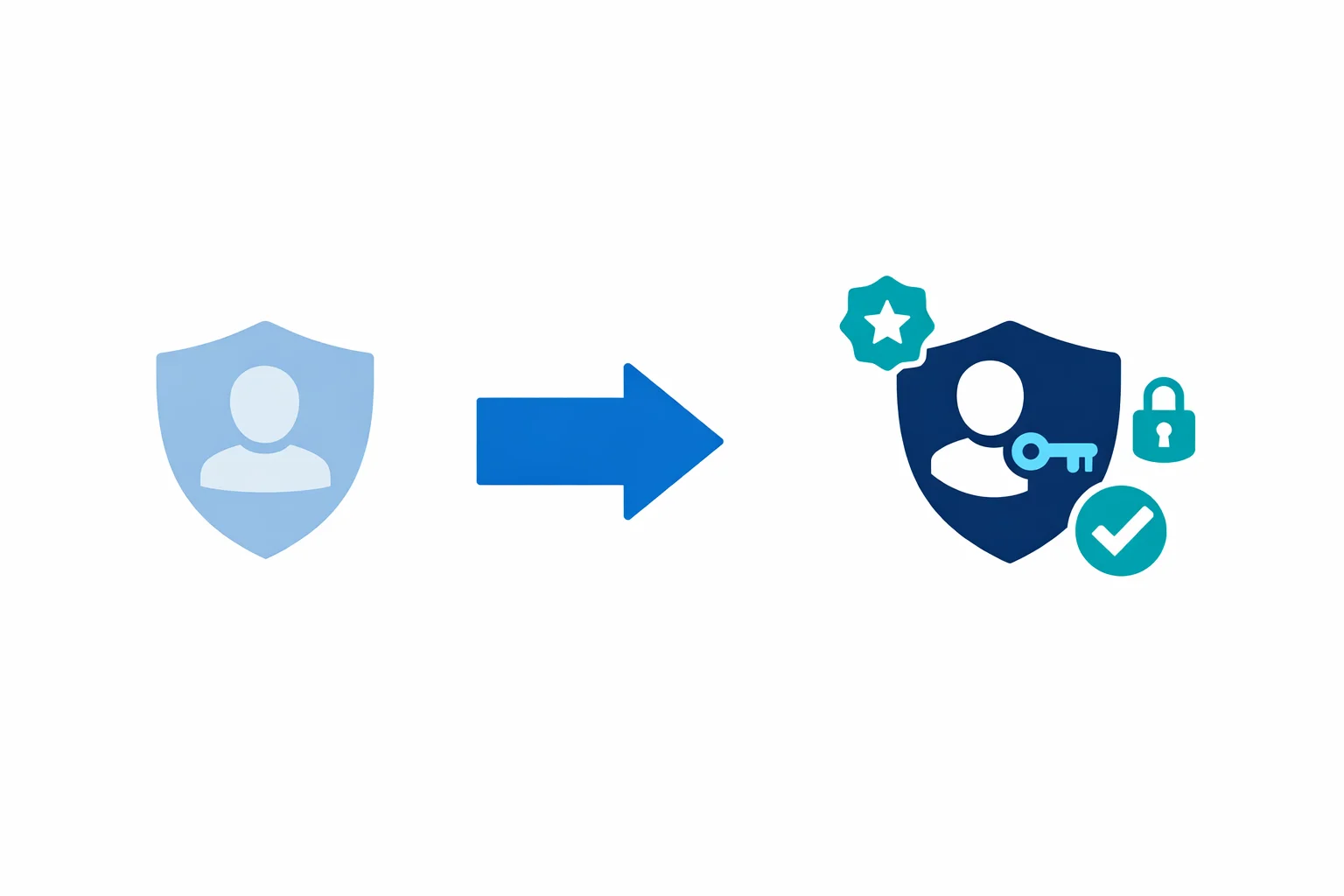
On July 11, 2023, Microsoft officially renamed Azure Active Directory to Microsoft Entra ID. Every Azure tenant on the planet woke up to new labels in the portal, updated documentation URLs, and a wave of internal questions from security teams and platform engineers asking the same thing: “Do we need to change anything right now?”
Your environment won’t break today. But there are real changes coming to PowerShell modules, API surfaces, and IaC tooling that you can’t afford to ignore.
Why the Rebrand
Azure Active Directory was never Active Directory. It doesn’t use LDAP, it doesn’t run on domain controllers, and it has nothing to do with Group Policy. That name confused people for a decade, and Microsoft finally fixed it.
But don’t mistake this for a simple naming cleanup. Microsoft is building out the Entra product family - a broader identity and access platform that goes well beyond what Azure AD covered. Entra ID is positioned as the foundation of that family, alongside:
- Entra ID Governance - lifecycle workflows, access reviews, entitlement management
- Entra Permissions Management - CIEM for multi-cloud (Azure, AWS, GCP)
- Entra Verified ID - decentralised identity and verifiable credentials
- Entra Workload ID - identity for workloads, not just humans
- Entra Internet Access / Private Access - the SSE play (Security Service Edge)
Branding it as Entra signals that Microsoft sees identity as a product category, not just a feature inside Azure.
Microsoft docs: Azure AD is becoming Microsoft Entra ID · Microsoft Entra product family
What Changed on Day One
In July 2023, the rebrand was primarily cosmetic in the places users see directly.
In the Azure portal, “Azure Active Directory” became “Microsoft Entra ID,” and the primary admin centre moved to entra.microsoft.com. Microsoft started redirecting docs.microsoft.com/azure/active-directory/ to learn.microsoft.com/entra/. Old links still redirect, but new documentation lives under the Entra path. On the licensing side, Azure AD Free, P1, and P2 became Microsoft Entra ID Free, P1, and P2 - same SKUs, same capabilities, different labels. A handful of PowerShell cmdlets also got Entra-branded aliases, though the old names continued working.
What teams noticed immediately was the Entra admin centre at entra.microsoft.com. It isn’t just a portal reskin - it consolidates identity management into a dedicated experience outside the main Azure portal. Conditional Access, App Registrations, Enterprise Apps, and Identity Protection all live there now as the primary location.
What Didn’t Change
For day-one panic prevention, here’s what stayed exactly the same.
Every Microsoft Graph API call that references /users, /groups, /applications, or /servicePrincipals continues to work identically. Graph doesn’t use the name “Azure AD” or “Entra” in its endpoint paths. Azure CLI commands are unchanged too - az ad, az ad sp, az ad app, az ad user all work as before. HashiCorp’s Terraform AzureAD provider is still called azuread, resources still use the azuread_ prefix, and nothing broke in existing state files. OAuth 2.0 and OpenID Connect flows are identical: same token endpoints, same scopes, same authentication behaviour, and login.microsoftonline.com continues as the authority. Every existing app registration - client IDs, tenant IDs, redirect URIs - remained untouched.
If you have automation that calls Graph API, authenticates via MSAL, or manages identities through Terraform, it continued working without modification on July 12.
Microsoft docs: Name change impact on existing deployments
The Real Impact: PowerShell Module Deprecation
Beyond branding, the rebrand accelerated something already in motion: the deprecation of the AzureAD and AzureADPreview PowerShell modules.
Microsoft announced that the AzureAD module would be deprecated on March 30, 2024, with end of support meaning no bug fixes, no security patches, and eventually a hard cutoff.
Its replacement, the Microsoft.Graph PowerShell module, requires a non-trivial migration:
# Old: AzureAD module
Connect-AzureAD
Get-AzureADUser -ObjectId "user@contoso.com"
Get-AzureADGroup -SearchString "SG-Platform-Admins"
New-AzureADApplication -DisplayName "MyApp"

# New: Microsoft.Graph module
Connect-MgGraph -Scopes "User.Read.All","Group.Read.All"
Get-MgUser -UserId "user@contoso.com"
Get-MgGroup -Filter "displayName eq 'SG-Platform-Admins'"
New-MgApplication -DisplayName "MyApp"
Cmdlet names are different. Parameter names are different. Even the authentication model changed - Microsoft.Graph uses scoped, incremental consent. If your team has runbooks, scripts, or automation built on the AzureAD module, this is the migration that actually requires work.
Don’t wait for the hard cutoff. The Microsoft.Graph module is already the primary PowerShell interface, and any new features land there first.
Microsoft docs: Migrate from AzureAD to Microsoft.Graph · Cmdlet map: AzureAD to Microsoft.Graph
Impact on Terraform and IaC
If you manage identity resources with Terraform, the azuread provider from HashiCorp continues to work as-is. The provider team hasn’t renamed it to “entra” and there are no current plans to do so. Your existing resources are stable:
# These still work exactly as before
resource "azuread_application" "api" {
  display_name = "platform-api-prod"
}

resource "azuread_service_principal" "api" {
  client_id = azuread_application.api.client_id
}

resource "azuread_conditional_access_policy" "require_mfa" {
  display_name = "Require MFA for all users"
  state        = "enabled"
  # ...
}
What you should update is your internal documentation. If your Terraform modules have comments saying “Creates an Azure AD application” or variable descriptions referencing “Azure Active Directory,” update them to reference Entra ID. Future engineers reading that code will search for “Entra” in documentation, not “Azure AD.”
Identity-related resources in the azurerm provider - things like azurerm_role_assignment and managed identity resources - haven’t changed at all either.
Graph API: The One API That Matters
Microsoft Graph was already the strategic API before the rebrand, and it remains the only API you should be building new integrations against. Microsoft deprecated the older Azure AD Graph API (graph.windows.net) in June 2023 - the timing wasn’t coincidental.
If you have any integrations still hitting https://graph.windows.net/, migration to Microsoft Graph (https://graph.microsoft.com/) isn’t optional anymore. The old endpoint is being shut down in stages.
# Old Azure AD Graph (deprecated, being shut down)
curl -H "Authorization: Bearer $TOKEN" \
  "https://graph.windows.net/contoso.com/users?api-version=1.6"

# Microsoft Graph (current)
curl -H "Authorization: Bearer $TOKEN" \
  "https://graph.microsoft.com/v1.0/users"
Microsoft Graph endpoint paths don’t reference “Azure AD” or “Entra” anywhere - they use neutral resource names (/users, /groups, /applications). So Graph API code doesn’t need any changes for the rebrand.
Microsoft docs: Azure AD Graph to Microsoft Graph migration · Microsoft Graph REST API reference
Conditional Access, PIM, and Identity Protection
None of these features changed functionally. Same policies, same configuration, same behaviour. They just live under the Entra ID umbrella now with updated navigation paths in the portal. Conditional Access policies you built last year still work. PIM role assignments are unchanged. Identity Protection risk policies continue to evaluate the same signals.
Where it hits your team: if your documentation says “navigate to Azure Active Directory > Security > Conditional Access,” that portal path is different now. entra.microsoft.com is the new home, and the navigation structure has been reorganised. Update your screenshots and step-by-step guides.
What Teams Need to Do
A practical checklist for organisations adapting to the rebrand:
- Migrate off the AzureAD PowerShell module. Only item with a hard deadline. Map your existing scripts to Microsoft.Graph equivalents and test them
- Migrate off Azure AD Graph API. If anything still calls
graph.windows.net, move it to Microsoft Graph. Urgent - Update internal documentation. Search your wikis, runbooks, and onboarding guides for “Azure AD” and “Azure Active Directory.” Replace with “Microsoft Entra ID” or “Entra ID”
- Update Terraform comments and variable names. Your code works, but the naming should reflect current product names for maintainability
- Update training materials. Any slide deck, video, or certification study guide that references Azure AD needs a refresh
- Bookmark
entra.microsoft.com. Start using the Entra admin centre as your primary identity management portal - Don’t rename your tenant. Your
.onmicrosoft.comdomain, tenant ID, and all existing configuration stays exactly as it is
You don’t need to do all of this tomorrow. But items 1 and 2 have real deprecation timelines, and those should be prioritised.
What It Means Long-Term
On its own, the rebrand is mostly cosmetic. Your Conditional Access policies didn’t become more secure on July 12. Your app registrations didn’t change behaviour. Tokens your applications mint are identical.
But the Entra product family signals something bigger. Microsoft is positioning identity as a standalone platform category, not just an Azure feature. Entra Permissions Management competes with CrowdStrike and Zscaler in the CIEM space. Entra Internet Access is Microsoft’s entry into SSE, competing with Zscaler and Netskope. Entra Verified ID is a bet on decentralised identity.
For platform teams and security architects, the priority is clear: migrate your PowerShell scripts, update your documentation, and retire any Azure AD Graph integrations. Keep an eye on the broader Entra family too - some of those products address real gaps in enterprise identity that Azure AD never covered.
Don’t panic about the name change. Do invest time in the PowerShell and API migrations before the deprecation deadlines hit. And update your internal docs sooner rather than later - half your team will be searching for “Entra” while the other half wrote everything under “Azure AD,” and that mismatch costs real time during incidents.
Need help with your WAF or cloud security posture?
We help Azure enterprises turn WAF from a checkbox into a tuned security layer. From log analysis and rule profiling to a fully documented, governance-ready configuration.
More from the blog
Zero-Credential Architectures: How Managed Identity Changes Everything
Architecting for Azure OpenAI: Enterprise Patterns That Actually Work