RAG on Azure for Internal Knowledge Platforms
In this article

Every enterprise wants to let employees ask questions about internal documents and get accurate answers. The pitch is simple: point an LLM at your SharePoint, your wikis, your policy documents, and let people search with natural language instead of keywords.
Retrieval-Augmented Generation (RAG) is the pattern that makes this possible. We covered the foundational Azure OpenAI patterns in Architecting for Azure OpenAI: Enterprise Patterns That Actually Work. RAG builds on those patterns, but it introduces an entirely different set of problems. Most of them have nothing to do with the language model.
We have seen organisations spin up a RAG proof of concept in a week, declare victory, and then spend six months trying to make it production-ready. The gap between demo and production is where the real architecture work lives.
Why Enterprise RAG Fails
Most RAG implementations that stall in production share the same handful of root causes. None of them are about picking the wrong model.
Permissions are ignored. The single most common failure. Documents are indexed into a vector store without any access control metadata. Every user who queries the system can retrieve chunks from any document, including HR files, board minutes, salary bands, and M&A plans. In a demo this goes unnoticed. In production it is a compliance violation waiting to happen.
Documents are chunked badly. Chunking is the process of splitting documents into smaller pieces for embedding and retrieval. Too large, and the retrieved context includes irrelevant noise. Too small, and the model gets sentence fragments without enough meaning to generate a useful answer. Wrong boundaries (splitting mid-table, mid-list, mid-paragraph) destroy the structure that made the content readable in the first place.
Vector search is treated as magic. Embedding a document and running a cosine similarity search works well in demos with clean, short texts. On real enterprise content, pure vector search misses exact terms, product codes, and acronyms that keyword search would catch instantly. Without hybrid search (vector plus keyword), retrieval quality drops.
Hallucination risk is not managed. RAG reduces hallucination by grounding the model in retrieved documents. But it does not eliminate it. If the retrieved chunks are irrelevant, or if the model generates an answer that goes beyond what the sources say, you get confident-sounding wrong answers with citations that don’t actually support the claim. Without grounding validation and citation verification, users lose trust fast.
Cost is not planned. Embedding generation, index storage, and query execution all cost money. For a few hundred documents, the cost is negligible. For a million documents with incremental re-indexing, the bill gets attention. Organisations that don’t model the cost before building the pipeline get surprised at the first invoice.
The Azure RAG Architecture
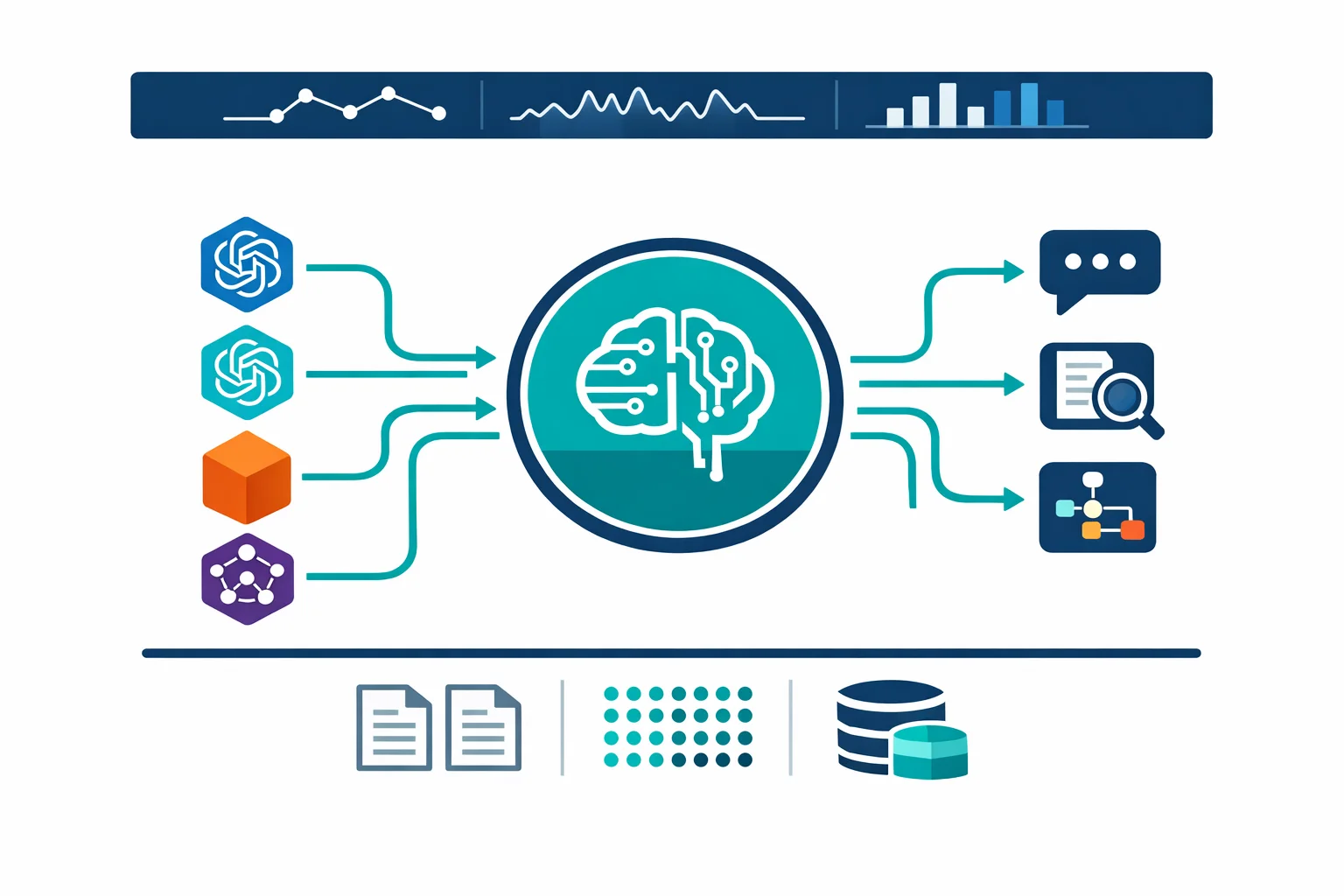
A production RAG system on Azure has six layers. Skip any of them and you will feel it later.
Document sources feed the pipeline. SharePoint Online, Azure Blob Storage, SQL databases, APIs, file shares. In most organisations, the data is scattered across all of these. Getting access to the sources is often the longest lead time in the project, not the AI work.
Ingestion pipeline handles extraction, chunking, and embedding. Azure Functions or Logic Apps orchestrate the flow: pull documents from source, extract text (PDF, DOCX, PPTX, HTML), split into chunks with overlap, generate embeddings, and push to the index. Azure AI Search offers integrated vectorisation through skillsets that can handle extraction and embedding in a single pipeline. For simple scenarios this works well. For complex document structures or custom chunking logic, a custom pipeline gives you more control.
Embeddings turn text chunks into vectors. Azure OpenAI’s text-embedding-3-large model produces 3072-dimensional vectors with strong performance across English and multilingual content. Every chunk gets embedded at ingestion time. Queries get embedded at search time. The cost per embedding call is low, but it multiplies fast across large document sets.
Vector store and search live in Azure AI Search. This is where hybrid search matters. AI Search supports both vector similarity search and traditional keyword search, and can combine them with Reciprocal Rank Fusion to produce results that are better than either approach alone. Semantic ranker adds a re-ranking layer on top that further improves relevance. Use all three: vector, keyword, semantic. The marginal cost is small and the quality improvement is significant.
The LLM generates answers from retrieved context. Azure OpenAI GPT-4o or GPT-4.1, depending on your latency and cost requirements. GPT-4.1 is better at following grounding instructions and producing cited answers. The system prompt tells the model to answer only from the provided context and to cite sources. This is grounding, and it is the primary defence against hallucination.
Permission trimming ensures users only see answers derived from documents they have access to. We will cover this separately because it is the hardest part and the most often skipped.
Azure docs: RAG with Azure AI Search · Hybrid search · Integrated vectorisation
Permission Trimming Is the Hardest Part
If your RAG system can surface content from documents that the querying user does not have permission to read, you have a data leakage problem. It does not matter that the answer is technically correct. If a junior developer gets an answer grounded in a C-suite compensation document, your CISO will shut the project down. Rightly so.
Permission trimming means filtering search results at query time based on the user’s identity and group memberships. Azure AI Search supports this through security filters. Here is how the mechanism works.
Each document chunk in the search index includes a metadata field (typically allowed_groups or allowed_users) that lists which Entra ID groups or users can access that document. At query time, the application resolves the current user’s group memberships from Entra ID and adds an OData filter to the search request: only return results where the user’s groups intersect with the document’s allowed groups.
The filter runs server-side in AI Search before results are returned. The LLM never sees chunks the user is not authorised to read. No chunks in the context means no answers from restricted content.
The hard part is not the filter itself. The hard part is getting the permissions into the index in the first place.
SharePoint permissions are complex. A document library might inherit permissions from the site, or it might have unique permissions. Individual files can have sharing links that override the library permissions. Nested folders can break inheritance. Your ingestion pipeline needs to resolve the effective permissions for each document and map them to Entra ID group IDs that can be stored as index metadata.
For Blob Storage, there is no built-in per-document permission model. You need to define your own access control scheme, whether through folder naming conventions mapped to groups, a metadata database, or container-level access patterns.
Permissions also change over time. When someone is removed from a group, or a document’s sharing settings change, the index needs to be updated. This means your ingestion pipeline needs an incremental update mechanism that re-syncs permissions periodically. A nightly sync is often good enough. Real-time sync requires change notifications from SharePoint (via webhooks) or Microsoft Graph subscriptions.
Most tutorials and quickstarts skip permission trimming entirely. They index everything as publicly readable and call it done. That is fine for a demo. It is not fine for production.
Azure docs: Security trimming with Azure AI Search · Microsoft Graph group memberships
Production Challenges That Tutorials Skip
Getting a RAG demo working takes a few days. Making it reliable takes months. These are the issues that surface after the demo.
Indexing pipelines need operational maturity. Documents fail to parse. PDFs contain scanned images without OCR. SharePoint returns throttling errors. Embedding API calls hit rate limits. Your pipeline needs retry logic, dead-letter queues for failed documents, and monitoring dashboards that show indexing health. Azure Functions with Durable Functions orchestration handles this well, but you need to design for failure from the start, not bolt it on after the first outage.
Chunking strategy affects retrieval quality more than model choice. Switching from GPT-4o to GPT-4.1 might improve answer quality by 5-10%. Fixing your chunking from naive 500-token splits to structure-aware chunking that respects paragraphs, headings, tables, and lists can improve retrieval relevance by 30% or more. Invest in chunking before upgrading models. Test different chunk sizes (256, 512, 1024 tokens) and overlap ratios (10-20%) against your actual document corpus, not against synthetic benchmarks.
Cost has three components. Embedding generation is cheap per call but expensive at scale. Indexing 100,000 documents with text-embedding-3-large at 3072 dimensions costs roughly $5-15 depending on document length. Re-indexing the full corpus every time you change your chunking strategy doubles that. AI Search itself is priced by tier, and the Standard tier (which you need for vector search at meaningful scale) starts at roughly $250/month. Query costs (embedding the user’s question plus the LLM call with retrieved context) run a few cents per query. At 1,000 queries per day, that is $30-50/month for the LLM alone. None of these numbers are scary individually, but they add up, and they scale with document volume.
Content freshness determines trust. If your index is two weeks behind the source documents, users will get outdated answers. They will notice. They will stop using the system. Incremental indexing that processes only new and modified documents is not optional for production. The SharePoint connector in AI Search supports incremental crawling, but custom pipelines need change detection logic built in.
Monitoring hallucinations in production is an unsolved problem. You cannot fully automate hallucination detection. What you can do: track retrieval confidence scores and flag queries where the top result’s relevance score is below a threshold. Log the retrieved chunks alongside the generated answer so reviewers can verify grounding. Implement a thumbs-up/thumbs-down feedback mechanism and route negative feedback to a review queue. Run periodic spot checks where subject matter experts evaluate a sample of answers against their source documents. None of this is glamorous work. All of it is necessary.
Evaluation needs to be continuous. Before launch, build an evaluation dataset: 50-100 questions with known correct answers sourced from your documents. Run this evaluation set after every indexing pipeline change, every chunking adjustment, every model upgrade. Measure retrieval precision (did the right chunks come back?), answer relevance (did the model answer the question?), and faithfulness (does the answer match what the sources say?). If you do not measure, you are guessing.
When NOT to Use RAG
RAG is a pattern, not a universal solution. There are cases where it is the wrong tool.
When the data fits in context. If your knowledge base is a single policy document, a product FAQ, or a set of guidelines that totals under 50,000 tokens, skip the vector store. Put the content directly in the system prompt. It is simpler, cheaper, and eliminates the retrieval failure mode entirely. Context windows on current models are large enough that many “RAG” use cases are really just prompt engineering use cases.
When the question needs SQL, not search. “How many support tickets were opened last month?” is a structured data question. RAG will try to find document chunks that mention support tickets, which is the wrong approach. Route structured queries to a database with a text-to-SQL or natural language query layer instead.
When accuracy requirements are absolute. Legal contract analysis where a wrong answer creates liability. Medical guidance where patient safety is at stake. Financial compliance where regulatory penalties apply. RAG can assist in these domains, but the output must go through human review before anyone acts on it. If the business expects the system to be autonomous and correct 100% of the time, RAG is not the right architecture. No current AI system is.
Next Steps
If you are planning an internal knowledge platform on Azure, start with scope, not technology. Pick one document source (SharePoint is usually the easiest), one department, and 500-1000 documents. Build the full pipeline including permission trimming. Measure retrieval quality against real questions from real users in that department.
Once the pipeline works end-to-end with proper access control, expanding to additional sources is incremental work. Without that first validated loop, scaling just means scaling your problems.
Three decisions to make early: your chunking strategy (test it before committing), your permission model (how do source permissions map to index security filters), and your evaluation framework (how will you know if quality degrades after a change).
If you have already read our Azure OpenAI architecture patterns piece, the network isolation, APIM gateway, and cost control patterns described there apply directly to the RAG architecture. Put them in place before going to production.
Related: Architecting for Azure OpenAI: Enterprise Patterns network isolation and cost control · Your Developers Don’t Need More Tools. They Need a Paved Path. platform approach for AI services
Exploring AI for your organisation?
We build practical AI solutions on Azure OpenAI - RAG pipelines, knowledge search, and intelligent automation grounded in your data.