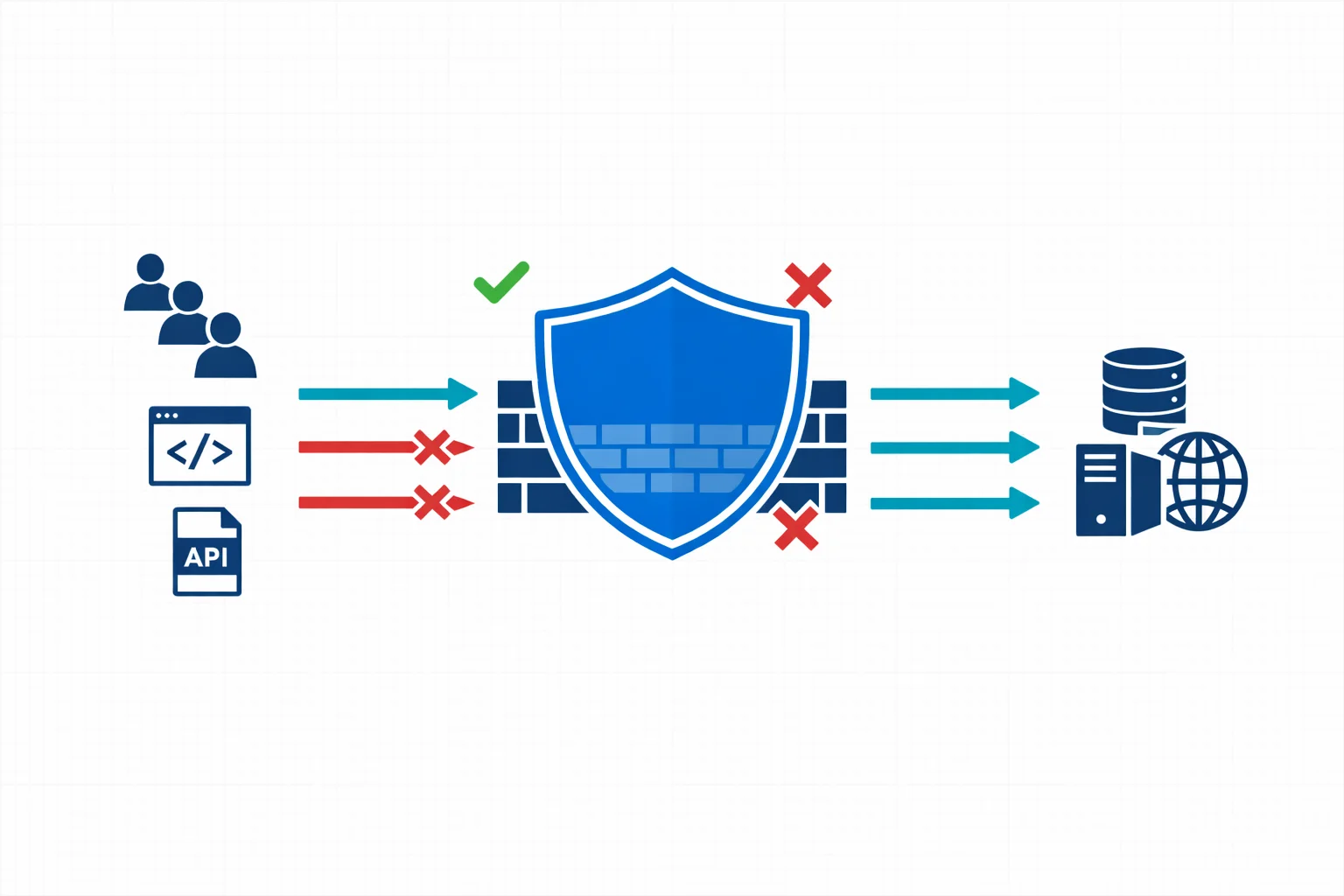
I Hacked My Own Web App on Kubernetes
In this article
- The Architecture
- Vulnerability 1: Cross-Site Scripting (XSS)
- How Exploitable Is This Really?
- Proving It
- Why the WAF Didn’t Help
- The Fix
- Vulnerability 2: Prometheus Metrics Exposed to the Internet
- The Fix
- Vulnerability 3: No Authentication
- Options
- The Deeper Lesson: Defence in Depth Requires Testing Every Layer
- Checklist: Securing a Web App on Kubernetes
- Application Level
- Reverse Proxy Level
- Kubernetes Level
- Authentication
- Wrapping Up

You deploy a web app to Kubernetes. It sits behind a reverse proxy with ModSecurity WAF, locked down with NetworkPolicies, running as a non-root user on a read-only filesystem. Feels secure. Then you actually test it and discover you can execute JavaScript in a visitor’s browser, read internal Prometheus metrics from the public internet, and there is no authentication at all.
This is the story of auditing tfplan, a small Flask app that parses Terraform plan output and calculates net infrastructure changes. It runs on a k3s cluster with a layered security architecture, and still had exploitable vulnerabilities.
The Architecture
Before we attack anything, here is what the deployment looks like:
Internet (HTTPS:443)
  → K3s LoadBalancer
    → Reverse Proxy Pod (DMZ namespace, port 8443)
      → NGINX + ModSecurity WAF (OWASP CRS v3)
        → tfplan Service (webapps namespace, port 8080)
          → tfplan Pod (UID 1000, read-only filesystem, drop ALL capabilities)
The security layers in place:
- DMZ isolation. The reverse proxy runs in a dedicated
dmznamespace, separate from application workloads. - NetworkPolicies. Default deny in both namespaces, with explicit allow rules for reverse-proxy → tfplan and prometheus → tfplan.
- ModSecurity WAF. OWASP Core Rule Set v3 with anomaly scoring.
- GeoIP blocking. Only traffic from BE, NL, LU, DE is allowed.
- Pod security. Non-root user, read-only root filesystem, all capabilities dropped.
- TLS termination. At the reverse proxy with TLSv1.2+ only.
On paper, this is solid. In practice, three issues made it through.
Vulnerability 1: Cross-Site Scripting (XSS)
The app accepts Terraform plan text via a POST endpoint and returns HTML-formatted analysis results. The problem: user-supplied values are injected directly into the HTML response without escaping.
# The vulnerable code in generate_html_results()
html_parts.append(f'<div class="context-header">{context}</div>')
html_parts.append(f'<div class="item-removed">- {item}</div>')
The context and item variables come from parsing the user’s input. If an attacker crafts a Terraform plan with HTML in the resource names, it passes straight through to the response.
How Exploitable Is This Really?
Let’s be honest about the threat model. The typical workflow is: an engineer copies Terraform plan output from an Azure DevOps pipeline log and pastes it into tfplan. For XSS to work, the plan output itself would need to contain HTML, which means a Terraform resource name or value containing <img src=x onerror=...>.
In practice, this is unlikely. HCL resource identifiers are restricted to alphanumerics and underscores, so you cannot name a resource <script>alert(1)</script>. String values like firewall rule names could theoretically contain HTML, but someone would have to deliberately put it there, and it would be obvious in code review.
So the real-world risk here is low. But the principle matters: any application that reflects user input into HTML without escaping is vulnerable, regardless of how likely the malicious input is. The fix is one line of code, and the vulnerability is trivially provable.
Proving It
The frontend renders analysis results with innerHTML:
content.innerHTML = data.html;A <script> tag injected via innerHTML won’t execute (that is an HTML5 security measure). But an <img> tag with an onerror handler will:
curl -sk -X POST https://app.example.com/analyze \
  -H 'Content-Type: application/json' \
  -d '{
    "plan": "# azurerm_firewall.fw will be updated\n
      - network_rule_collection {\n
          - name = \"<img src=x onerror=alert(document.cookie)>\"\n
          ...
        }"
  }'
The response contains unescaped HTML:
<div class="item-removed">- <img src=x onerror=alert(document.cookie)></div>The browser renders the <img> element, fails to load src=x, fires onerror, and executes arbitrary JavaScript. Low likelihood, but the vulnerability is real and the fix is trivial, which is exactly the kind of thing that should never ship.
Why the WAF Didn’t Help
ModSecurity is configured in DetectionOnly mode for tfplan:
# In the NGINX server block for app.example.com
modsecurity_rules '
    SecRuleEngine DetectionOnly
    SecRequestBodyNoFilesLimit 10485760
';
The reason is documented in the config: blocking mode caused false positives on Terraform plan JSON payloads. Terraform plans legitimately contain patterns that trigger CRS XSS and SQL injection rules: source_addresses, SQL-like expressions in policy definitions, and Base64-encoded values.
A common dilemma. The OWASP CRS is designed for generic web applications. When your application’s legitimate input looks like attack payloads, you either spend significant effort writing per-rule exclusions or you switch to DetectionOnly and lose protection.
The lesson: WAF is a safety net. Fix the vulnerability in the application. The WAF is defence in depth. If your security depends entirely on it, you have already lost.
The Fix
import html

# Escape all user-derived values before inserting into HTML
html_parts.append(f'<div class="context-header">{html.escape(context)}</div>')
html_parts.append(f'<div class="item-removed">- {html.escape(item)}</div>')
One import, a few html.escape() calls. The fix is trivial. The vulnerability existed because it was never tested for.
Vulnerability 2: Prometheus Metrics Exposed to the Internet
The /metrics endpoint is meant for Prometheus to scrape internally. The NGINX reverse proxy, however, forwards everything under location / to the backend, and there is no rule blocking /metrics:
curl -sk https://app.example.com/metrics | head -20# HELP python_info Python platform information
# TYPE python_info gauge
python_info{implementation="CPython",major="3",minor="12",patchlevel="12",
version="3.9.7"} 1.0
# HELP process_virtual_memory_bytes Virtual memory size in bytes.
process_virtual_memory_bytes 1.21188352e+08
# HELP process_resident_memory_bytes Resident memory size in bytes.
process_resident_memory_bytes 3.4095104e+07
# HELP process_cpu_seconds_total Total user and system CPU time
process_cpu_seconds_total 117.71
# HELP process_open_fds Number of open file descriptors.
process_open_fds 12.0This reveals the exact Python version (3.9.7) and Flask exporter version (0.18.5), both useful for targeting known CVEs. It exposes process memory, CPU usage, and open file descriptor counts, which help size a DoS attack. It shows request paths, methods, status codes, and latency distributions, giving an attacker a full traffic profile. Custom application metrics like analysis counts and error rates are visible too.
None of this information should be publicly accessible.
The Fix
Block the endpoint at the reverse proxy level, before it reaches the application:
# Add this BEFORE the location / block
location /metrics {
    return 403;
}
The NetworkPolicy already ensures only Prometheus can reach the pod directly. But the reverse proxy is a separate ingress path: it proxies traffic from the internet to the pod, bypassing the “only Prometheus” intent.
This is a gap in the mental model: people think “I set up NetworkPolicy to only allow Prometheus” but forget that the reverse proxy also reaches the same pod, on the same port, and forwards all paths by default.
Vulnerability 3: No Authentication
The application has zero authentication. Anyone with the URL can:
- View the landing page
- Submit plans for analysis
- Read metrics (covered above)
- Trigger error messages that may leak internal details
For an internal tool, this might be acceptable. For an internet-facing service, it is not. Even if the data it processes is not confidential (Terraform plan output), the XSS vulnerability shows that unauthenticated endpoints can be attack vectors.
Options
The simplest fix in this Kubernetes architecture: put an OAuth2 proxy in front of it. Other services in the same cluster already use oauth2-proxy with the same NGINX reverse proxy. Adding tfplan to that pattern requires minimal configuration changes.
Alternatively, basic HTTP authentication at the NGINX level, or even a simple shared secret in a header, would eliminate casual exploitation.
The Deeper Lesson: Defence in Depth Requires Testing Every Layer
This deployment had five security layers. Here is how each performed:
| Layer | Intended Protection | Actual Result |
|---|---|---|
| GeoIP blocking | Block non-Benelux/DE traffic | Works, but the attacker can be local or use a VPN |
| ModSecurity WAF | Block XSS, SQLi, etc. | DetectionOnly: logs but does not block |
| NetworkPolicy | Restrict pod access | Works for direct pod access, but doesn’t cover reverse proxy path |
| Pod security context | Limit blast radius | Works: non-root, read-only, no capabilities |
| TLS | Encrypt in transit | Works |
Three out of five layers worked as intended. Two had configuration gaps that allowed exploitation. The pattern is clear: each layer was configured independently and never tested as a complete chain.
Checklist: Securing a Web App on Kubernetes
Based on this audit, here is what we now check for every internet-facing service:
Application Level
- All user-derived values HTML-escaped before rendering (
html.escape()in Python, equivalent in your framework) - Input size limits enforced (
MAX_CONTENT_LENGTHin Flask,client_max_body_sizein NGINX) - Error messages do not leak stack traces or internal paths
- Internal endpoints (
/metrics,/debug,/health) not accessible from the public path
Reverse Proxy Level
- Internal-only paths explicitly blocked (
location /metrics { return 403; }) - Rate limiting configured for expensive endpoints
- Request body size limits enforced
- WAF in blocking mode where feasible, with tested rule exclusions for legitimate payloads
Kubernetes Level
- Default deny NetworkPolicies in every namespace
- Explicit ingress/egress rules. Review that reverse proxy access path doesn’t bypass intended restrictions.
- Pod security context: non-root, read-only filesystem, drop all capabilities
- No
hostNetwork,hostPID, or privileged containers
Authentication
- Every internet-facing endpoint has authentication (OAuth2 proxy, basic auth, or API keys as a minimum)
- CORS configured if the API is called from browsers
- CSRF protection for state-changing endpoints
Wrapping Up
The irony of this audit is that the cluster infrastructure was well-designed. DMZ isolation, NetworkPolicies, ModSecurity, GeoIP blocking, pod hardening. The platform team did their job. The gaps were all at the application and configuration layer: an html.escape() call that was never written, an NGINX location block that was never added, a WAF mode that was changed to DetectionOnly and never revisited.
Security is not about having the right layers. It is about testing them together, end-to-end, the way an attacker would. Curl is your friend. If you can exploit it from your terminal, so can anyone else.
Need help with your Azure security posture?
We help enterprises design and tune Azure security controls: WAF policies, Sentinel ingestion, Defender for Cloud, identity governance, and NIS2/DORA readiness.